select D/M/S. Then look above the map for
latitude/longitude in degrees/minutes (pay
attention to the direction as well; North/South
and West/East).
If you know the latitude/longitude in decimal
degrees only, use the whole number for the
degrees entry, and multiply the decimal by 60
to calculate the minutes. For example, 35.407°
is 35 degrees, and 24 minutes (.407 x 60).
Note: the continental US lies within Latitudes
N25
°
- N49
°
and longitudes W67
°
- W123
°
.
For locations in Canada, use the website
www.nrcan-rncan.gc.ca. For locations outside
of North America, use www.mapquest.com or
www.world-gazetteer.com.
If there is trouble accessing your local
coordinates, please e-mail Speedtech at
info@speedtech.com for assistance.
DETAILED SETUP
If unit is off, press and hold MODE button for
two seconds to turn ON. There is a set-up for
the present mode and for the future mode,
depending on which mode the unit is in when
the programming mode is entered (press the
TIME button to switch modes). It is best to set
the present mode settings first.
1. Press and hold the SET button for two
seconds to enter the set-up mode (skip to #2 if
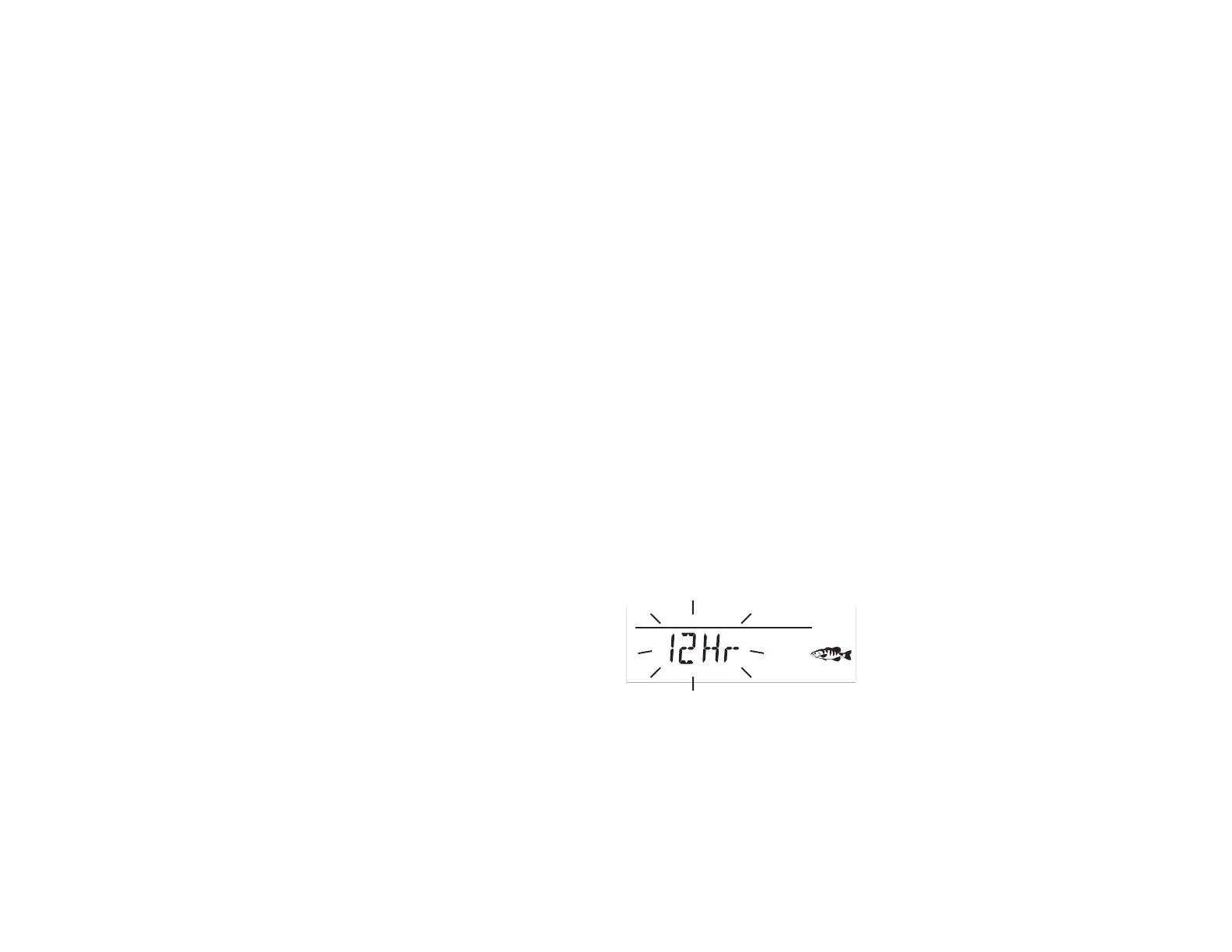
setting future mode); “12Hr” will flash. Press
the – or + button to select 12Hr (AM/PM) or
24Hr (“military” time). Press SET button to
confirm.
PRESENT
TIME
2. The hour will flash. Press the – or + button
to set the current hour (note AM or PM if in
12Hr mode). Press the SET button to confirm.



 To Next Page