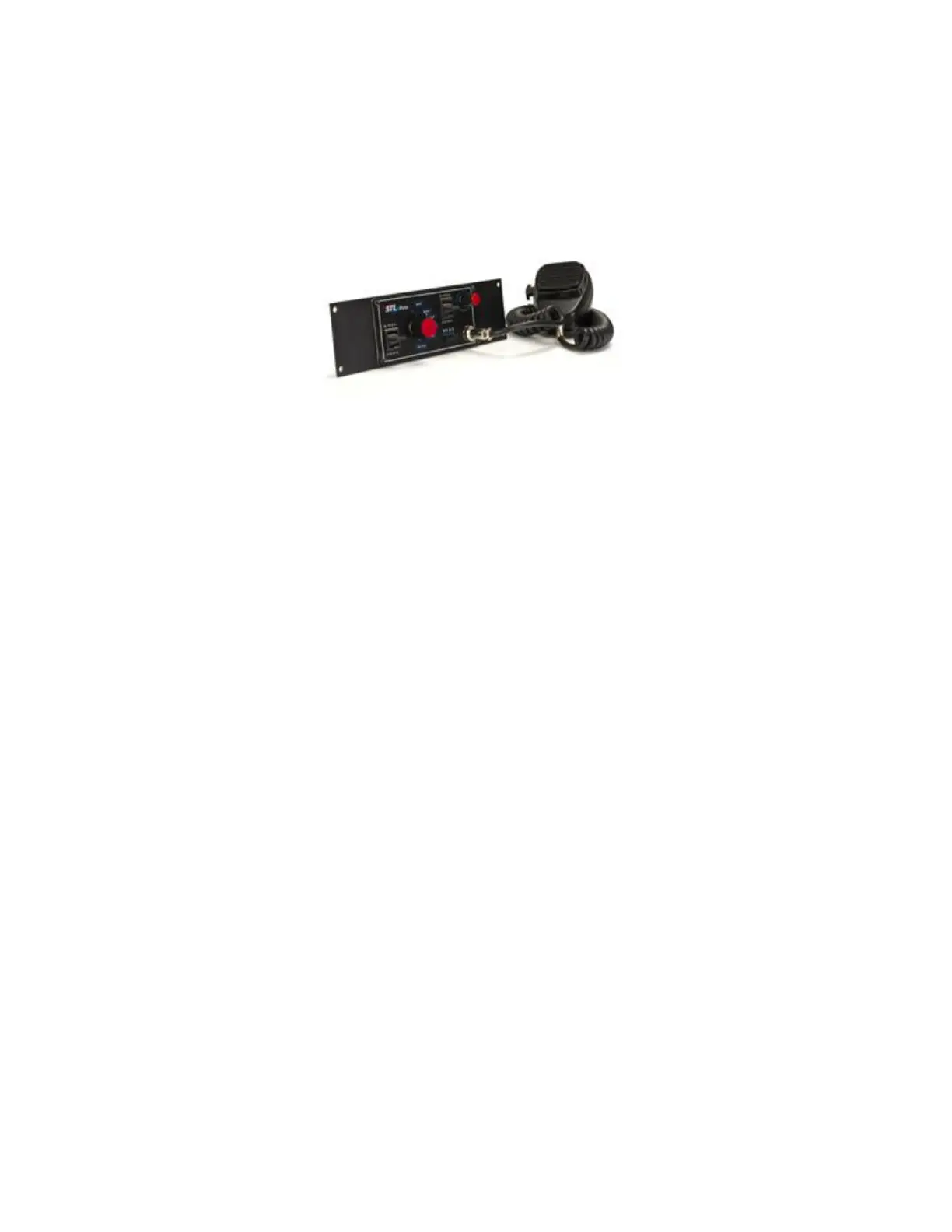
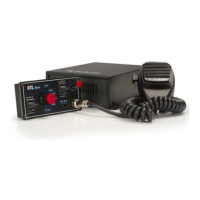
11. Connect the other end of the phone cable to your face place labeled “STL Boss” and
connect your microphone to your face plate.
12. Turn the unit on and power its functions using the faceplate.
13. If you order a console bracket, insert the faceplate into the bracket and screw the
faceplate to the bracket using the (4) corner holes.


 To Previous Page