8/14
FC Firmware Update
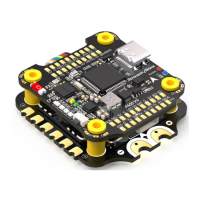
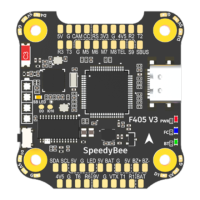
SpeedyBee F405 V3 ight controller does not suppo wireless rmware ashing,
so please ash rmware for it on your PC following the steps below:
① Connect the ight controller to the PC with a USB cable
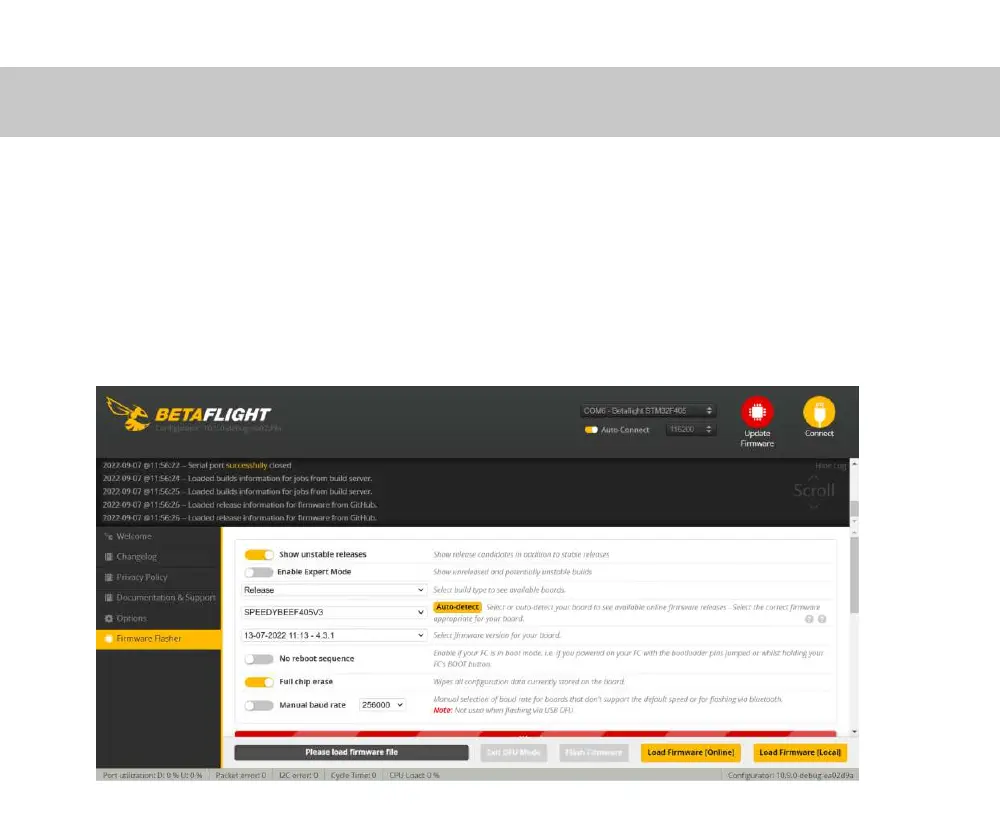
② Open Betaght/ INAV congurator on your PC. Take Betaight
congurator as an example, go to the ‘Firmware Flashing’ page, choose the target
‘SPEEDYBEEF405V3’ and ash.



 To Next Page