24 25
CEC
SETUP
OSD Timer
Cinema
Blue Screen
Sleep Timer
Mode setting
Quick Setup
CEC
CEC Setup
Speaker Preference
Amplier Support ARC
Reset TV
Off
Super Live
On
Off
Home
Enter
On
Enter
TV Speakers
Off
Enter
5.5.8
CEC Setup
SETUP
OSD Timer
Cinema
Blue Screen
Sleep Timer
Mode setting
Quick Setup
CEC
CEC Setup
Speaker Preference
Amplier Support ARC
Reset TV
Off
Super Live
On
Off
Home
Enter
On
Enter
TV Speakers
Off
Enter
SETUP
OSD Timer
Cinema
Blue Screen
Sleep Timer
Mode setting
Quick Setup
CEC
CEC Setup
Speaker Preference
Amplier Support ARC
Reset TV
Off
Super Live
On
Off
Home
Enter
On
Enter
TV Speakers
Off
Enter
5.5.9
Speaker Preference
SETUP
OSD Timer
Cinema
Blue Screen
Sleep Timer
Mode setting
Quick Setup
CEC
CEC Setup
Speaker Preference
Amplier Support ARC
Reset TV
Off
Super Live
On
Off
Home
Enter
On
Enter
Amplifer
Off
Enter
5.6.0
Amplier Support ARC
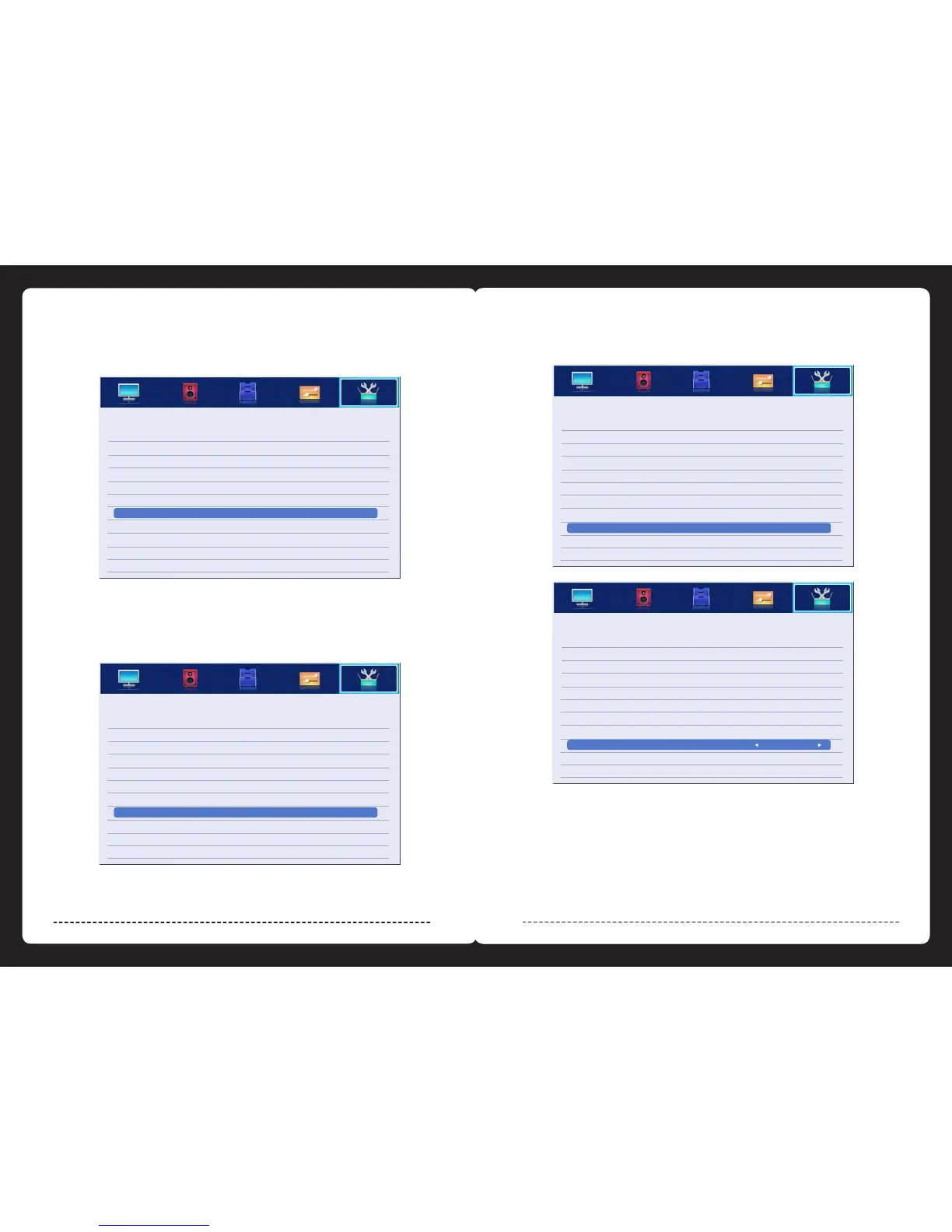
There are two selections: “ON”and “OFF”,when you choose “ON”,
you can operate a compatible HDMI-CEC controlled device.
When CEC function is “ON”,and the source is in HDMI,press “enter”button to enter MENU.
5.5.7
When CEC function is “ON”,there are two selections: “TV Speakers”or “Amplier”,when
selecting “TV Speakers”the speaker of TV will have sound,but no sound from the Amplier;
When selecting “Amplier”,no sound will be heard from the TV speakers.
There are two selections: “ON”or “OFF”,it is avaliable when the “Speaker Preference”is
set to “Amplier”. When selected to “ON”,sound from Amplier will be heard,when selecting
“OFF”,no sound from the amplier will be heard.



 To Next Page