EasyManua.ls Logo

Sphere RVX-45 - User Manual

Sphere RVX-45
12 pages
Print Icon
To Next Page IconTo Next Page
Loading...
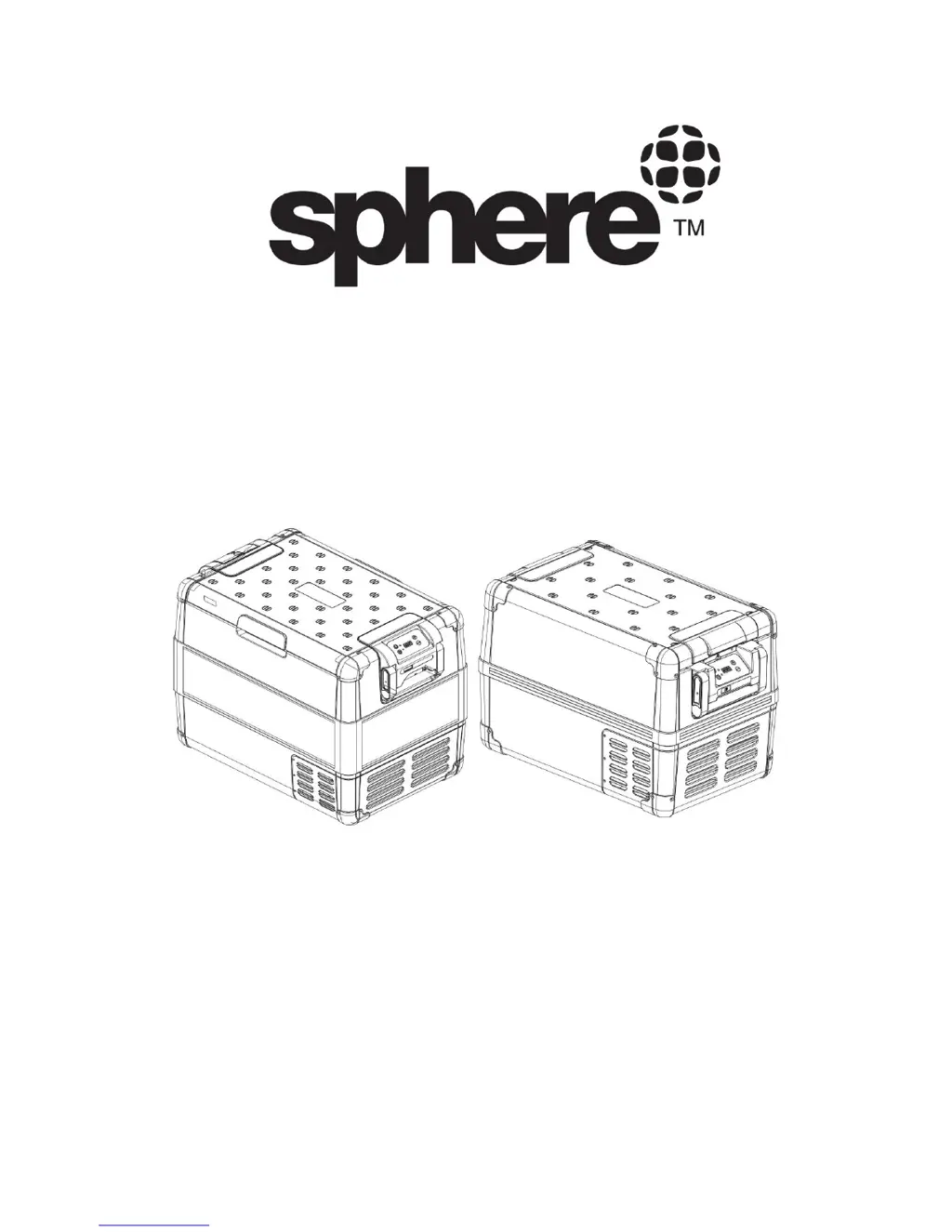
INSTRUCTION MANUAL
PORTABLE FRIDGE/FREEZER
Models:
RVX-35 / RVX-45 / RVX-50
RVX-55 / RVX-65 / RVX-75
PLEASE READ THIS INSTRUCTION MANUAL CAREFULLY BEFORE
CONNECTING AND OPERATING THE APPLIANCE.
SAVE IT FOR FUTURE REFERENCE.
V1.1

Questions and Answers

  • V
    Veronica LeeAug 9, 2025
    How to fix a Sphere Refrigerator that won't turn on?
    • D
      Dylan TaylorAug 9, 2025
      If the Sphere Refrigerator isn't working and the power light is off, first ensure the power input is available and the ignition is switched on in your vehicle. Then, check and replace the refrigerator fuse if it's burnt. Also, refer to your vehicle's operating manual to change the vehicle-mounted fuse if necessary. Finally, clean the cigarette lighter socket or use an AUX power outlet to ensure a good connection.
  • M
    mauricereedAug 16, 2025
    What to do if the error light is blinking on my Sphere Refrigerator?
    • D
      David CoxAug 17, 2025
      If the error indicator light on your Sphere Refrigerator is blinking, it indicates a compressor operating trouble. The issue should resolve automatically after the compressor restarts. If the compressor doesn’t restart after a while, contact Sphere Service center.
  • J
    Jennifer NicholsAug 25, 2025
    Why is the temperature control not working on my Sphere RVX-45?
    • T
      Tammy KaneAug 25, 2025
      If you're experiencing issues with the temperature control on your Sphere Refrigerator, ensure that the emergency switch is slid to normal mode. For a broken temperature control panel, contact Sphere Service center.
  • A
    Andrew SwansonAug 31, 2025
    What does Err1 or Err2 mean on my Sphere Refrigerator display?
    • K
      kristen18Aug 31, 2025
      If your Sphere Refrigerator's digital display shows Err1 or Err2, it indicates a broken temperature sensor. Contact Sphere Service center.

Summary

I. Product features

II. Parts list

III. Safety instructions

IV. Preparing before use

V. Operation and function

1. Connecting to power

Instructions for connecting the appliance to AC or DC power sources.

2. Operating panel

Overview of the control panel buttons, display, and indicator lights.

3. Turning on the refrigerator

Steps to power on the refrigerator and its indicator lights.

4. Setting the temperature

How to adjust temperature settings in Celsius or Fahrenheit.

5. Battery protector setting

Setting the electronic battery protector modes for vehicle power.

6. Turning off the refrigerator

Procedure to safely turn off the appliance and disconnect power.

7. Emergency Mode

Explanation and use of the emergency operation mode.

VI. Setting the Low battery cut out (Low voltage protection)

VII. Defrosting

VIII. Replacing fuse and the light PCB

1. Steps for replacing plug fuse (12;24 V)

Detailed steps for replacing the DC plug fuse.

2. Steps for replacing the light PCB

Detailed steps for replacing the light PCB.

IX. Cleaning and Maintenance

X. Troubleshooting

XI. Packing list

Sphere RVX-45 Specifications

General IconGeneral
BrandSphere
ModelRVX-45
CategoryRefrigerator
LanguageEnglish

Related product manuals