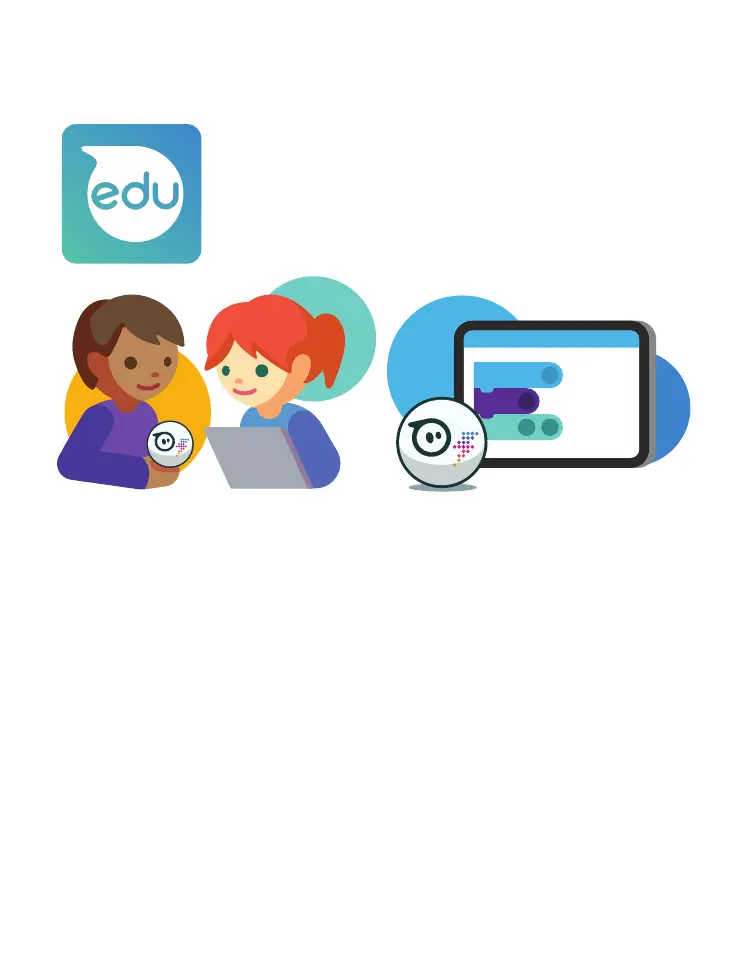
Download the Sphero Edu app on your device at
sphero.com/downloads. It is available for free in
the iTunes, Google Play, Microsoft, and Amazon
app stores. The Chrome Extension is available in
the Chrome Web Store.
PARENTS: START HERE!
QUICK START(RECOMMENDED)
iOS and Android users can select “Quick Start” from the home page.
Chromebook users can download the Android client to access this
option.
Note: You cannot save activities or programs in this mode.
CREATE ACCOUNT
Users can create a “Home User” account. Follow the steps at
edu.sphero.com/ to create an account for your learner(s).
Note: Mac and windows users must create an account.
CLASS CODE
If using your robot in conjunction with your child’s school, you may
receive information about using “Class Code”mode.


 To Next Page