!
!
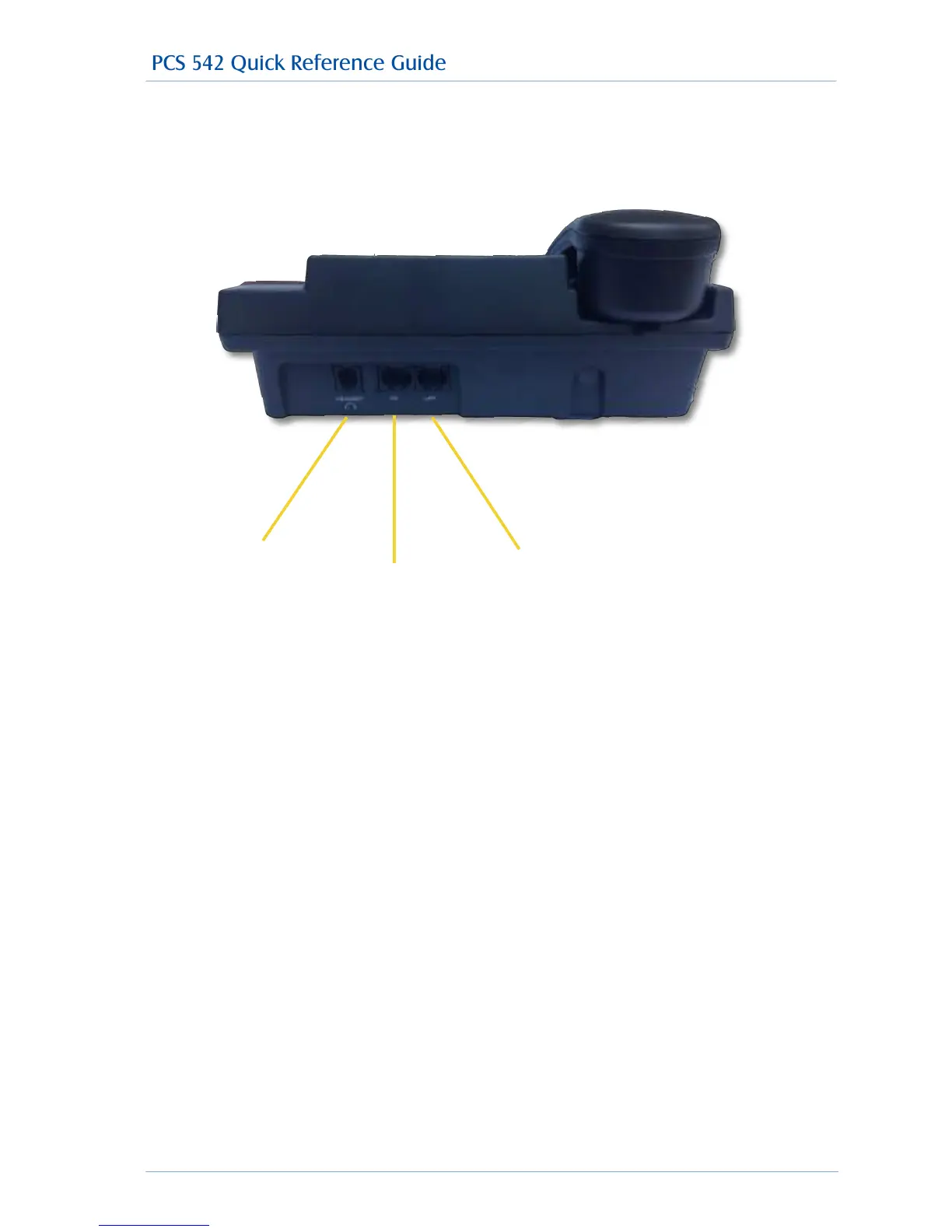
PCS 542 Connectors
The PCS 542 has 3 connectors at the rear of the phone these are used to connect to the PCS 542 to
your network, PC and Headset.
!
Headset Connector
Use this to connect a standard headset to the PCS 542: Please note other manufactures headsets
may be incompatible with the PCS 542.
!
PC Through Connector
Your PC can be connected to your PCS 542 in certain circumstances: Please refer to your System
Administrator for details. Please also note that removing the LAN cable or moving your phone will
break the LAN connection to your PC if connected.
!
Lan Connector
This is used to connect your PCS 542 to your office network, your phone is also powered from this
socket by POE (Power over ethernet).



 To Next Page