PCS 571/572 Quick Reference Guide Version 3.2/0913/1 4
Transferring a Call (cont)
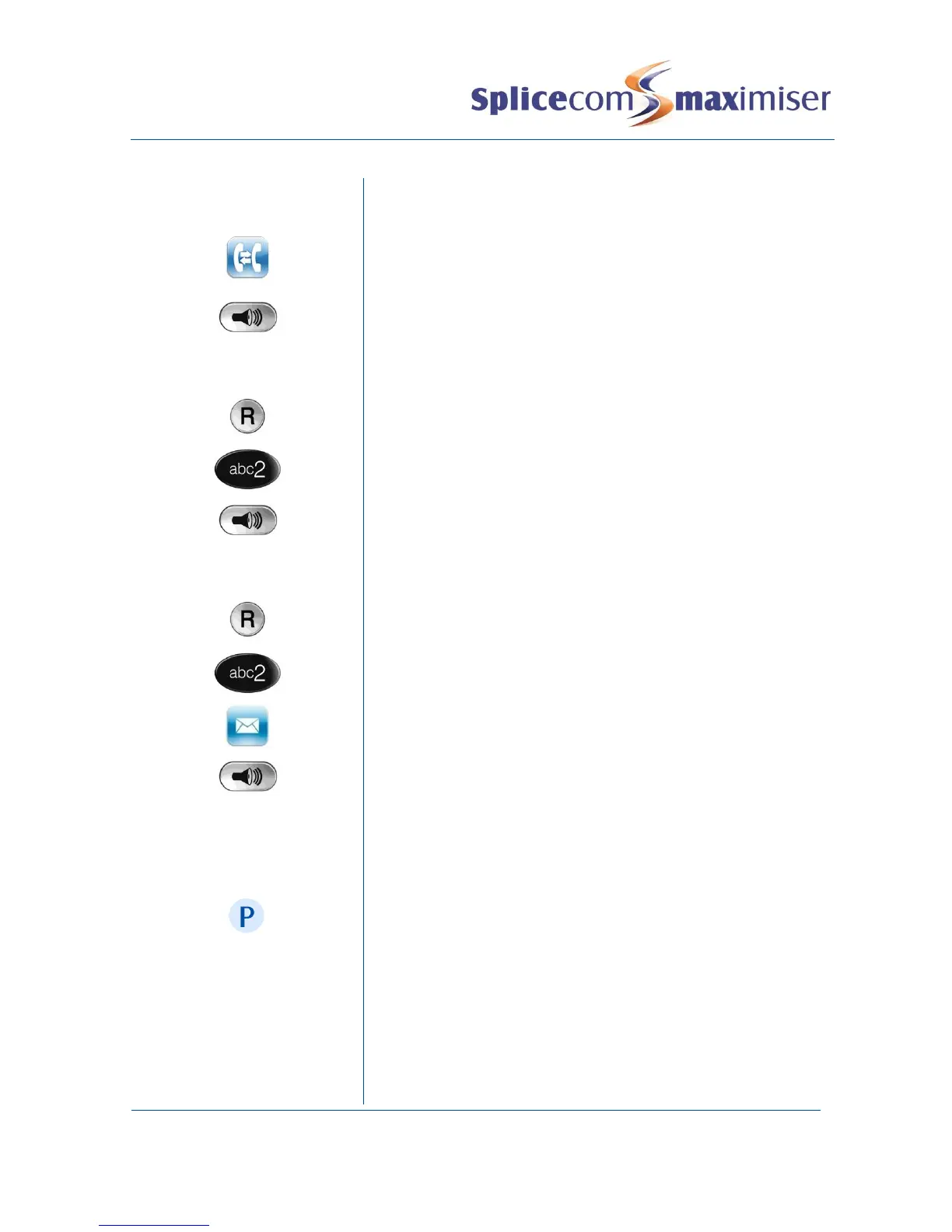
To return to the original call and place the second call on hold,
press the context sensitive key alongside the |Switch| icon to
toggle between the two calls.
To connect the two calls, replace your handset (if you are using
the handset) or press the Speaker button (if you are using hands
free)
Blind Transfer (un-announced transfer)
Place the call on hold using the Recall button
Dial the internal or external number
To complete the transfer, replace your handset (if you are using
the handset) or press the Speaker button (if you are using hands
free)
Transfer to colleague’s voicemail
Transferring a Call Directly to a Colleague’s voicemail
Place the call on hold using the Recall button
Press the context sensitive key alongside the |Leave Message|
icon
To complete the transfer, replace your handset (if you are using
the handset) or press the Speaker button (if you are using hands
free)
This facility allows a call to be held on the system and picked up
by any extension.
Once on a call press one of the context sensitive keys alongside
|Park| 1–4 (default)
The caller’s details will be displayed against the relevant Park
Slot.



 To Next Page