VIII. Downloading MP3 Files
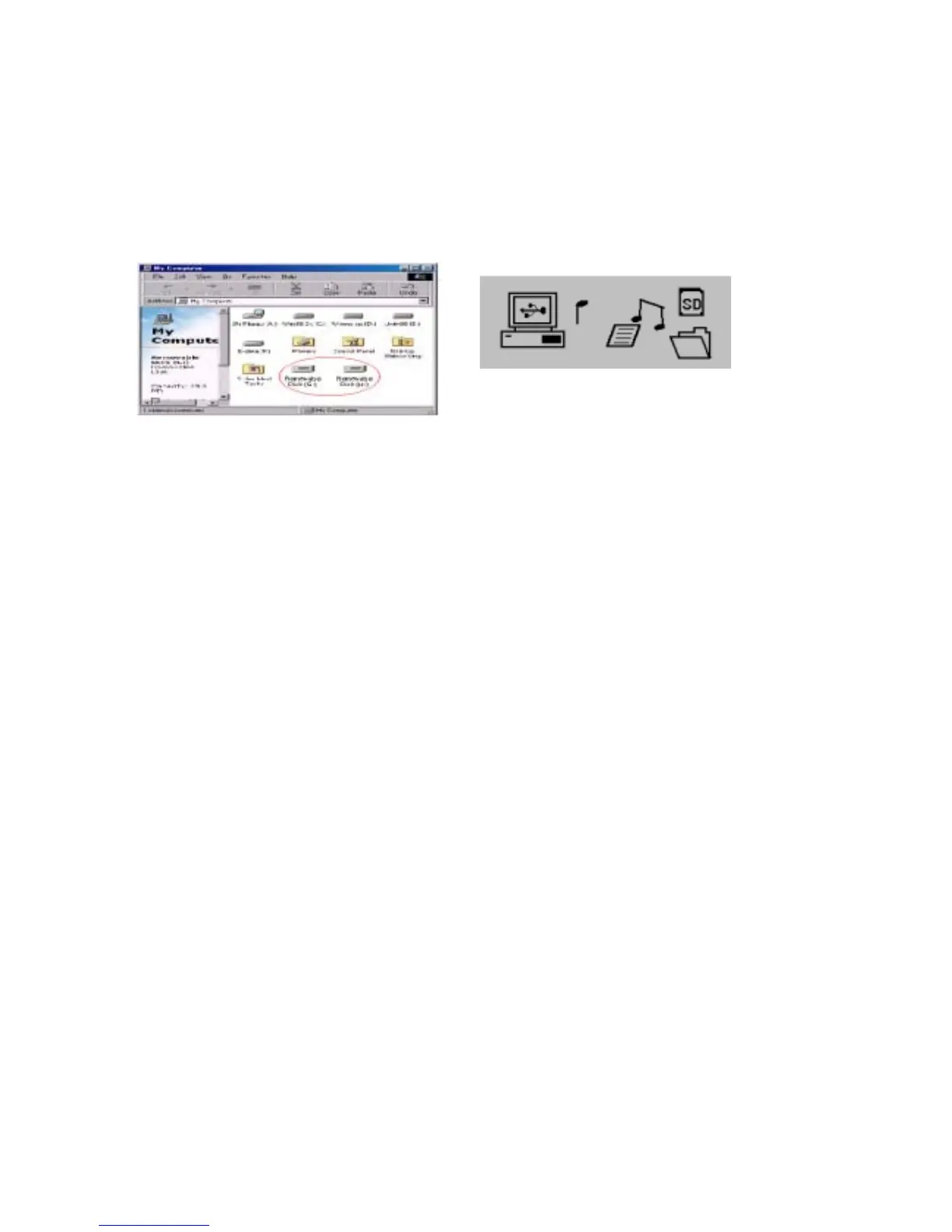
Please remove the earphone, and connect the unit’s supplied USB cable to a computer’s
USB port, the computer will automatically scan and find two removable disks. The first
is the floppy for SPORT MP3’s built-in memory. The second is the card reader for
SD/MMC interface; you can copy the MP3 files of your desire onto detachable floppy.
See illustration:
※If you have not inserted the SD/MMC memory card into SPORT MP3, as you click
on SD/MMC card reader floppy, a message will begin flashing informing you to
insert the floppy.
※Be sure to remove your earphone when you download MP3 files into SPORT MP3.
If the earphone remains there, the computer will not able to detect SPORT MP3;
for one of SPORT MP3’s most important features, is that it can play MP3 files
without a battery, but on power supplied by USB port. Please refer to XII for
detailed info.
IX. Power ON/Pause/Power OFF
1. Please connect your earphone first to turn on SPORT MP3; this is a protective device,
so that SPORT MP3 will not be activated by accidentally pressing the “power/pause”
button.
2. Press and hold “power/pause” for two seconds to turn on. And you’ll see the soft
indigo backlight.
3. You can adjust your preferred duration for the backlight to stay on. If no other
buttons were pressed during this time; the backlight will switch off automatically.
※It’s more power consuming for the backlight to stay on. We suggest you set the
duration at 4 seconds.
※For adjusting the preferred backlight duration, please see X.
4. When the power is on for playing MP3 files, just press the “power/pause” button to
temporarily suspend playing; press again to resume playing.
※SPORT MP3 can’t temporarily suspend playing, when tuned into FM radio.
※Press the “power/pause” button for 2 seconds, an “off” icon flashes, and SPORT
MP3 automatically switches off.
- 7 -


 To Next Page