EasyManua.ls Logo

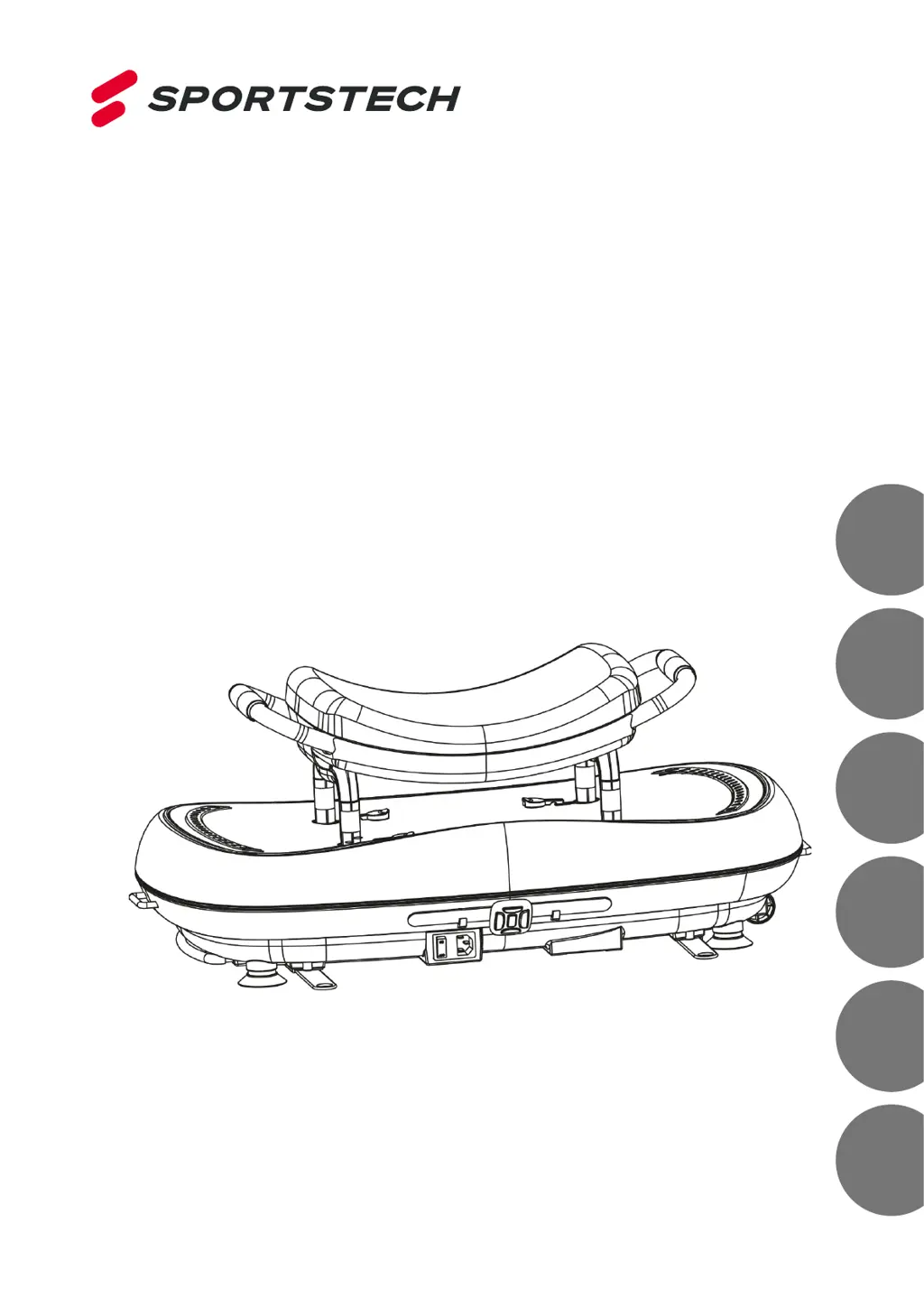
SPORTSTECH VP500 - User Manual

SPORTSTECH VP500
126 pages
Go to English
Print Icon
To Next Page IconTo Next Page
Loading...
DE
EN
ES
FR
IT
NL
VP500
Vibration Plate

Table of Contents

Other manuals for SPORTSTECH VP500

Questions and Answers

  • S
    stevenmitchellAug 6, 2025
    What to do if my SPORTSTECH Fitness Equipment does not start?
    • H
      Henry ThompsonAug 6, 2025
      If your SPORTSTECH Fitness Equipment isn't starting, there are a few things to check: * Ensure the electrical power cable is correctly connected at both ends. * Verify that the power switch is turned on, so the display lights up. * Check if the fuse has tripped and, if so, switch it on again or have it replaced.
  • M
    martin51Aug 14, 2025
    Why does my SPORTSTECH Fitness Equipment make loud operating noises?
    • B
      bassjohnAug 14, 2025
      Loud operating noises from your SPORTSTECH Fitness Equipment can be due to: * The device being placed on a hard surface. Placing the device on an underlay may reduce the noise. * The device not being horizontal. Adjust the feet to align the unit horizontally.
  • S
    Steven ScottAug 21, 2025
    How to fix error code ER01 or ER02 on SPORTSTECH Fitness Equipment?
    • D
      David SparksAug 21, 2025
      If you see error code "ER01" or "ER02" on your SPORTSTECH Fitness Equipment, it could indicate a motor problem. Switch off the device, disconnect it from the electrical grid, and then restart it.
  • D
    Dana HolmesAug 29, 2025
    What to do if the wristband remote control does not work for SPORTSTECH Fitness Equipment?
    • H
      Holly MooreAug 29, 2025
      If the wristband remote control for your SPORTSTECH Fitness Equipment isn't working: * The battery may be empty. Replace the battery. * You might be too far from the device. Step closer to the device.

Summary

Warning

Technical Details

Lists specifications like dimensions, weight, power, and frequency ranges of the vibration plate VP500.

Exploded Drawing and Spare Parts

Scope of Delivery

Details all components included in the product package to ensure completeness upon receipt.

Assembly

Setup and Connect

Guidance on selecting an installation location and connecting the vibration plate to the power outlet.

Control

Bracelet Remote Control Functions

Explains the operation and features of the wristband remote control for managing the vibration plate.

Explanation of Vibration

Function and Benefits

Details how vibration training works, its advantages for fitness and health, and frequency range goals.

Automatic Modes

Aims of Automatic Modes

Outlines the specific goals and benefits for each automatic program (P1, P2, P3).

Frequency Table for Modes

Energy Consumption

Standing Basic Position

Describes the correct posture and body positioning for effective vibration plate training.

Changing the Battery

Steps

Step-by-step instructions for removing the insulating sheet and replacing the battery in the remote control.

Changing Exercise Mats

Training with Power Ropes

Attaching Resistance Bands

Adjusting Training Ropes

Extending and Shortening Ropes

Instructions for adjusting the length of the training ropes for optimal usage.

Training with Full Body Band

Attachment and Length Adjustment

Guides on connecting the full-body band to the plate and adjusting its length for exercises.

Exercises with Full Body Band

Describes specific exercises using the full body band for different muscle groups.

Stretch Exercise

Exercises Specifically for VP500

Push-ups and Back Training

Using the plate's handles for effective push-ups and back muscle exercises.

Lateral Vibration and Elevated Bridge

Using the seat for lateral vibration and elevated bridge exercises to strengthen muscles.

Transport

Transport Handle and Rollers

Information on the vibration plate's handles and rollers for easier carrying and positioning.

Maintenance and Care

Product Placement and Storage

Recommendations for placing and storing the machine to prevent damage from environmental factors.

Troubleshooting

Disposal

Declaration of Conformity

SPORTSTECH VP500 Specifications

General IconGeneral
BrandSPORTSTECH
ModelVP500
CategoryPower Tool
LanguageEnglish