SPOT X
™
BLUETOOTH
®
QUICK START GUIDE
Getting Started
1
CONFIGURE
3
CONNECT
2
ACTIVATE &
UPDATE FIRMWARE
1. Power on your new SPOT X.
2. Follow onscreen instructions to
configure your device.
3. Your ESN and Authorization
Code will be displayed for
reference during activation.
Your ESN and Authorization Code
can also be found by selecting
System Settings > SPOT X Info.
1. Activate your new SPOT X:
FindMeSPOT.com/activate
NEW SPOT CUSTOMERS: Select
Begin Activation.
EXISTING SPOT CUSTOMERS: Login
using username & password.
2. Follow onscreen instructions
to complete activation.
3. Download the SPOT X Updater:
FindMeSPOT.com/SPOTXBSupport
4. Follow onscreen instructions to
update firmware and sync.
1. Install the SPOT X App from
your mobile device app store.
2. Enable Bluetooth on your mobile
device (Spot X’s Bluetooth is
always discoverable).
3. Place the SPOT X and the
mobile device within 10 feet
(3 meters) of each other.
4. On your mobile device, open the
SPOT X App.
5. Login using your SPOT My
Account username & password.
6. Select your SPOT X
(ex: SXB2970000).
For more information on how to use your new device, refer to
the SPOT X™ Bluetooth
®
User Guide located at:
FindMeSPOT.com/SPOTXBUserGuide
SPOT X
™
Bluetooth
®
requires an active SPOT Service Plan.
S.O.S. WILL NOT WORK WITHOUT ACTIVATION.
!
Test Your SPOT X
™
Bluetooth
®
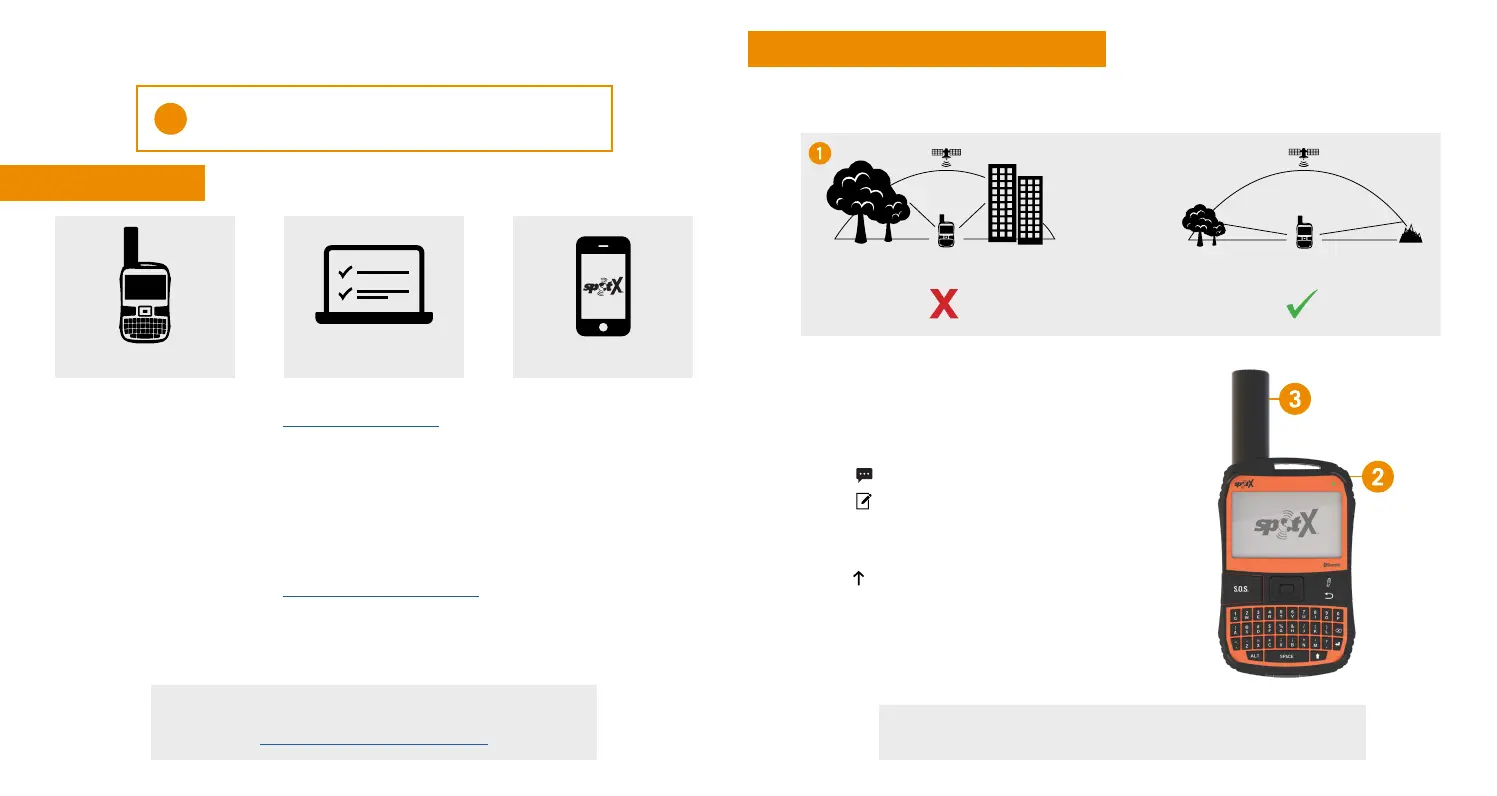
1. Go outside where there is a clear view
of the sky and no obstructions.
See the Important Safety & Product Information Guide in the SPOT X box
for product warnings and other important information.
RESTRICTED
VIEW
CLEAR
VIEW
2. Power on.
3. Point the antenna towards the sky.
4. On your mobile device, open the SPOT X App.
5. Select your SPOT X (ex: SXB2970000).
6. Select
.
7. Select
to create a new message.
8. Enter and select a contact.
9. Type a test message.
10. Select
to send.
11. Verify the message was received.
MAY NOT FUNCTION PROPERLY CORRECT



 To Next Page