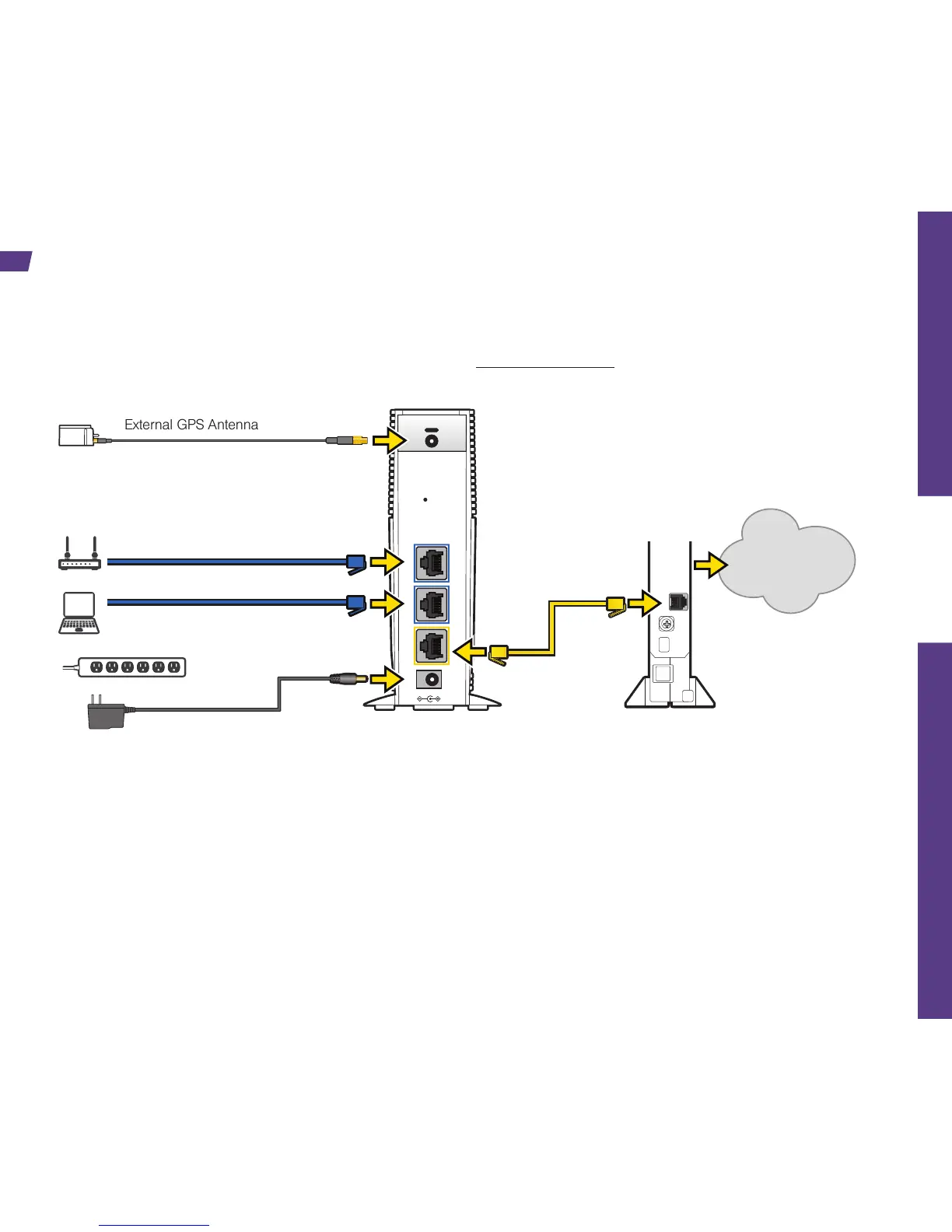
TO
INTERNET
LAN Router (optional)
PC (optional)
Power Supply
AIRAVE
Broadband Connection
Device
The following steps show a typical installation using a broadband cable modem. If you are using a
different type of broadband connection, the steps will be similar. For detailed setup instructions, see the
Read Me First insert provided in your box or online at sprint.com/airave.
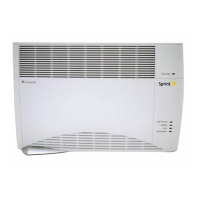
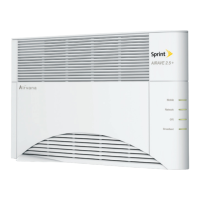
Attention: After installing and turning on your AIRAVE for the first time, it will go through an automated
setup sequence. During this time, the device’s LEDs will change color. When the Broadband, GPS,
Network, and Mobile LEDs have changed to steady green, your AIRAVE is ready to use. This process
may take up to two hours. For additional details about the AIRAVE 2.5+ please see the User Guide or
see “Resources” in this guide.


 To Next Page