Need help?
Do you have a question about the SPROLINK NeoLIVE R2 PLUS and is the answer not in the manual?
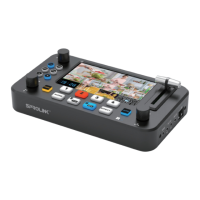
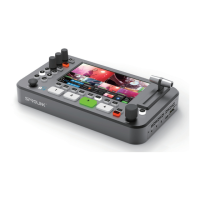
NeoLive R2 Plus is a professional live streaming switcher with multiple inputs and outputs.
Explains how to operate video functions, including scene layout, input source switching, and transition effects.
Details how to adjust audio volume for main output, PIP, and background layers using knobs.
Covers input detection of HDMI sources and picture settings for each input.
Describes output format, colorspace, and resolution options for the device.
Explains layer switching modes (T-Bar, Fast) and how to select and manipulate layers.
Details transition effects, special effects, DIP, and FTB settings.
Explains how to set up and use Chroma Keying for video effects.
Covers loading and displaying LOGO and picture files in the media menu.
Details the control of up to four PTZ cameras via HDMI and network.
Explains network setup, time, device parameters, system information, and reset.

 To Next Page
 General