© 2021 SPT Labtech Ltd
Enabling this function will reduce the speed of the Z-axis as the tips exiting the plate
wells. This function is useful for cell-culture applications and helps improve CVs by
reducing residual drops on the tips. If disabled, the Z speed will run at the default
setting throughout the protocol.
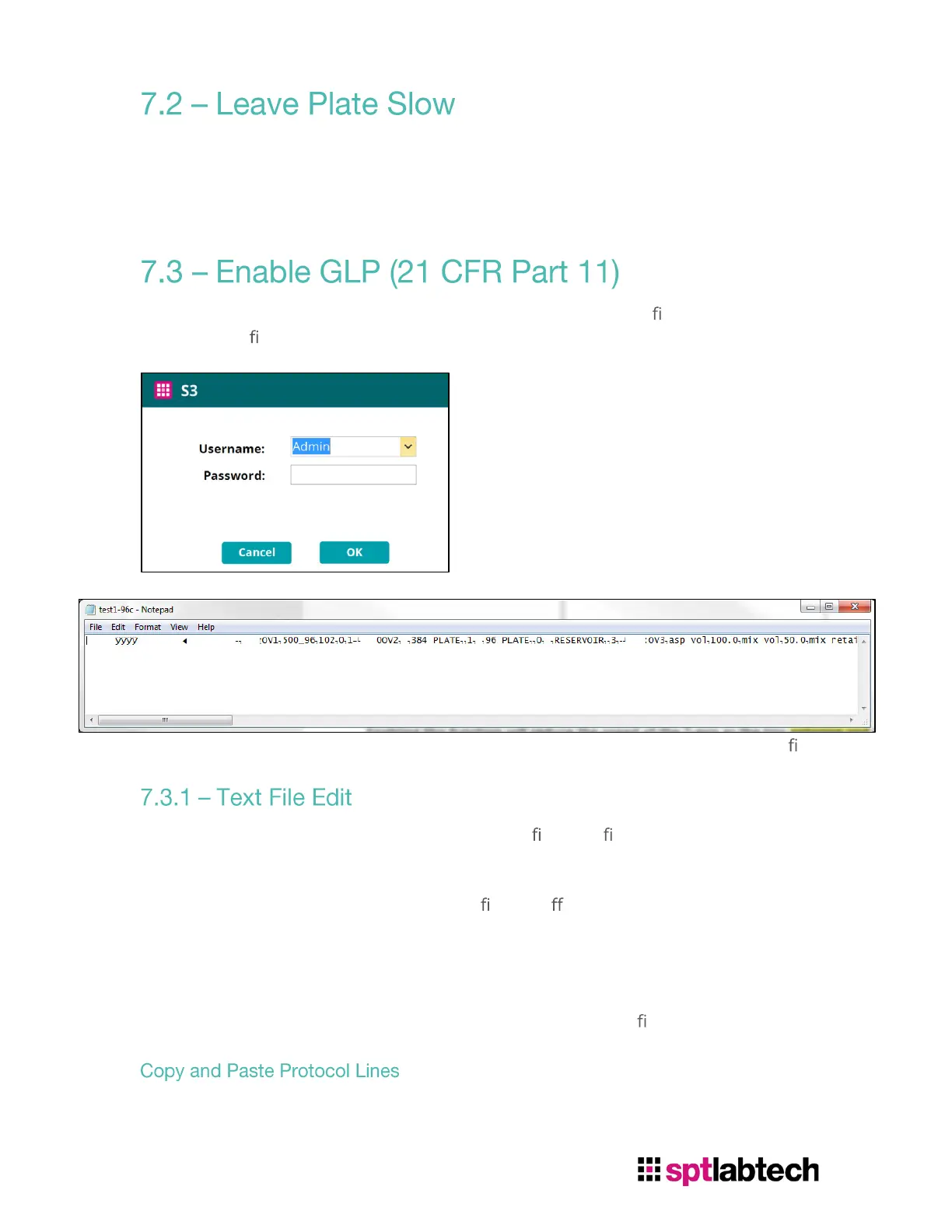
Enable this function will enable login interface and disabled text le edit. The content
from the text
le will be locked and unreadable.
Disabling this function will skip the login interface and will be able to edit the text
le.
Uncheck “Enable GLP” will be allowed to edit text le. Text les can be found in:
C:\Program Files (x86)\SPT Labtech\S3\ProtocolTXT.
Uncheck and check “Enable GLP” will store
les in di erent locations. User cannot
access both location at one time. But they still share the same database of plates.
User can copy and paste, edit, or delete Protocol lines. To edit in Notepad and run
properly, user must understand what each parameter represents in
Notepad and be
able to edit the right parameter. Improper way to edit the text
le will result in error.
User can copy and paste the function in Notepad. With the example from above,
select both Aspirate and Dispense line and copy:


 To Next Page
 Loading...