5.0 SYSTEM
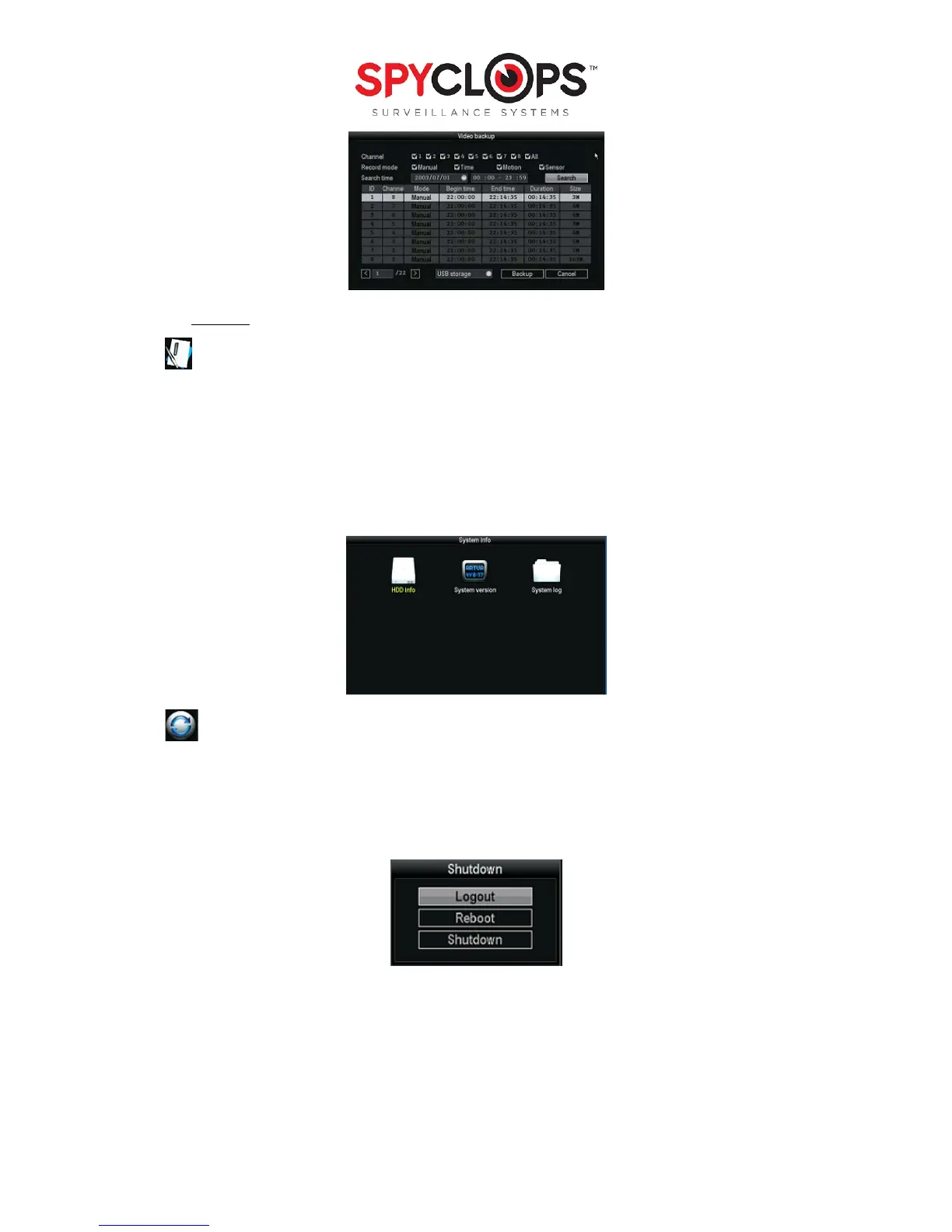
5.1 System info:
• HDD info: This shows the model, capacity, amount of data used and status (formatted or unformatted) of
all HDD that are installed.
• System version: This option shows the device name and model, the serial number, HardWare version,
SoftWare version and built time.
• System log: Choose the “Event type” you wish to view, and input the time period in the “From time” and
“Till time” then click “Search”. The log will then display your log detail
5.2 System logout:
• Logout: Apply for logged in users. After logout, if you want to use the device you need to log back in.
• System reboot: it will reboot after “OK”
• Shutdown: To shut the system down


 To Next Page