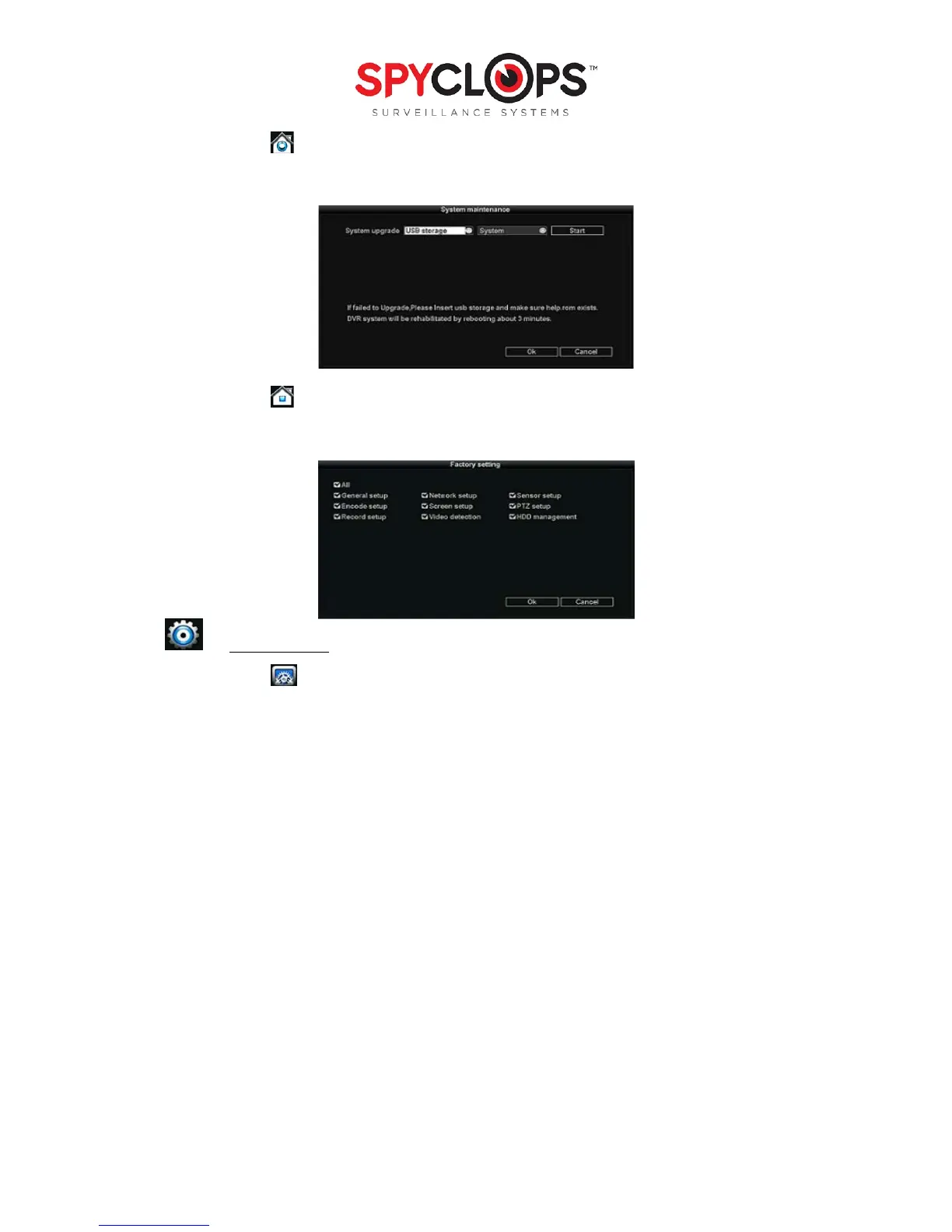
2.3 System maintenance
• Perform a System update, Logo update or Resource update from USB storage and click start
2.4 Factory setting
• Factory reset “all” or each setup choice you choose
3.0 SYSTEM SETUP
3.1 General Set-up
• Date time: This option is used to set up the date and time. If the wrong information is left populated, the
DVR will not record properly
*Note: click “Apply” to save date and time changes
• Date format: [year, month, day], [month, day, year], [day, month, year]
• Auto Logout: When enabled, the DVR will automatically logoff the present user if there is 10 minutes
without operation. They will need to login again to operate the device
• Key buzzer: “Enable” will activate a beep when the DVR buttons are pushed. “Disable” will prevent
beeps from sounding when the buttons are pushed
• Language: You can select one of six different languages


 To Next Page