Home
Spyder
Camera Accessories
Checkr 24
Page 5 (Step 4: Adjust in Editing Software)
Spyder Checkr 24 - Step 4: Adjust in Editing Software; Image Adjustment Workflow
7 pages
Manual
Save Page as PDF
To Next Page
To Next Page
To Previous Page
To Previous Page
Loading...
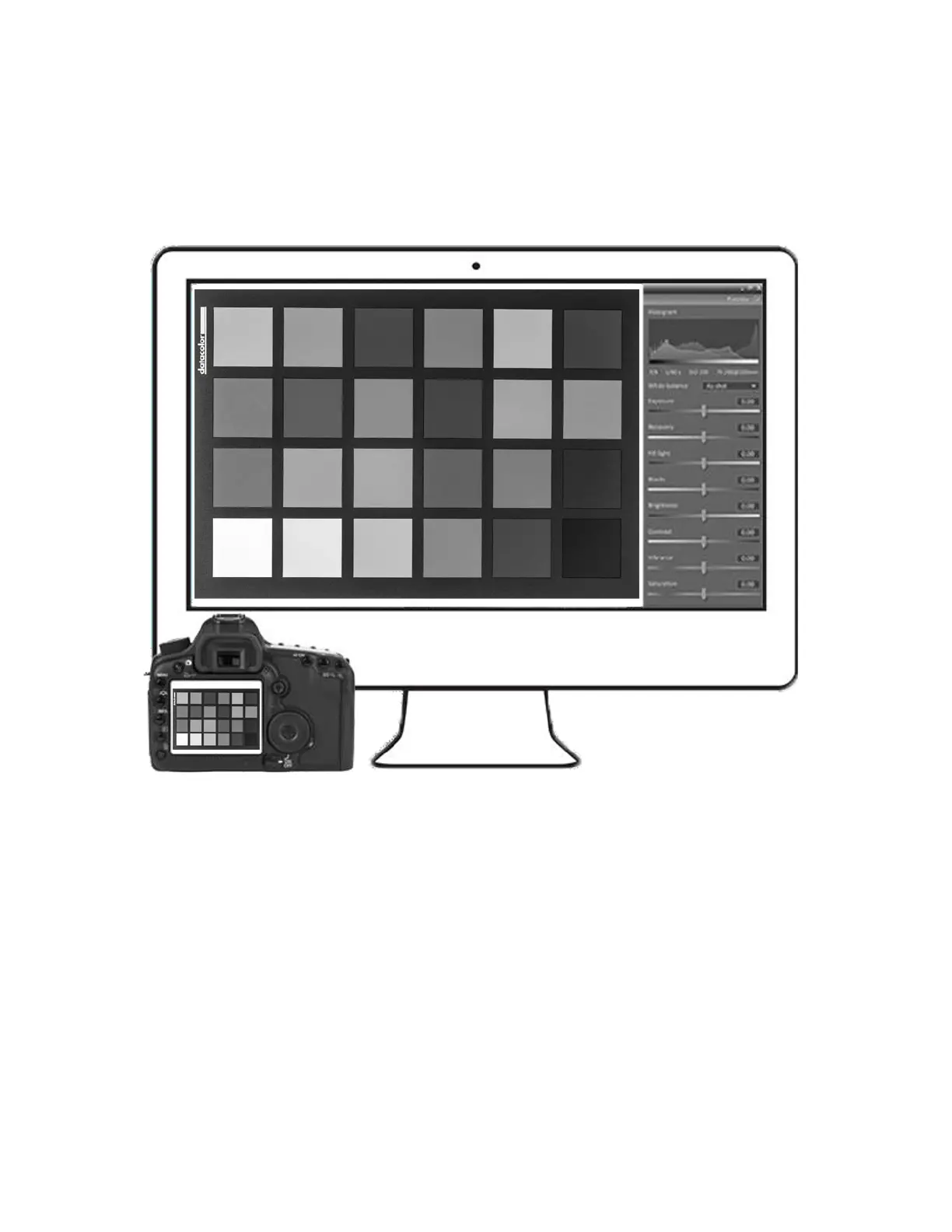
Step 4
–
Adjust in Edi
ting Software
Upload the ima
ge file
onto y
our co
mputer and
open it i
n
your R
AW conv
ersion
softwar
e, such as
Ado
be Lightr
oom, Ad
obe Photos
hop, or
Hassel
blad Ph
ocus.
Straight
en, fix
distorti
on, a
nd crop t
he tar
get
i
mage.
4
6
Table of Contents
Main Page
What You Get
1
System Requirements
1
Support support.datacolor.com
1
Step 2 – Install and Activate
3
Step 3 – Calibrate Monitor
4
Step 4 – Adjust in Editing Software
5
Step 5 – Save and Apply Preset
6


 To Next Page