EasyManua.ls Logo

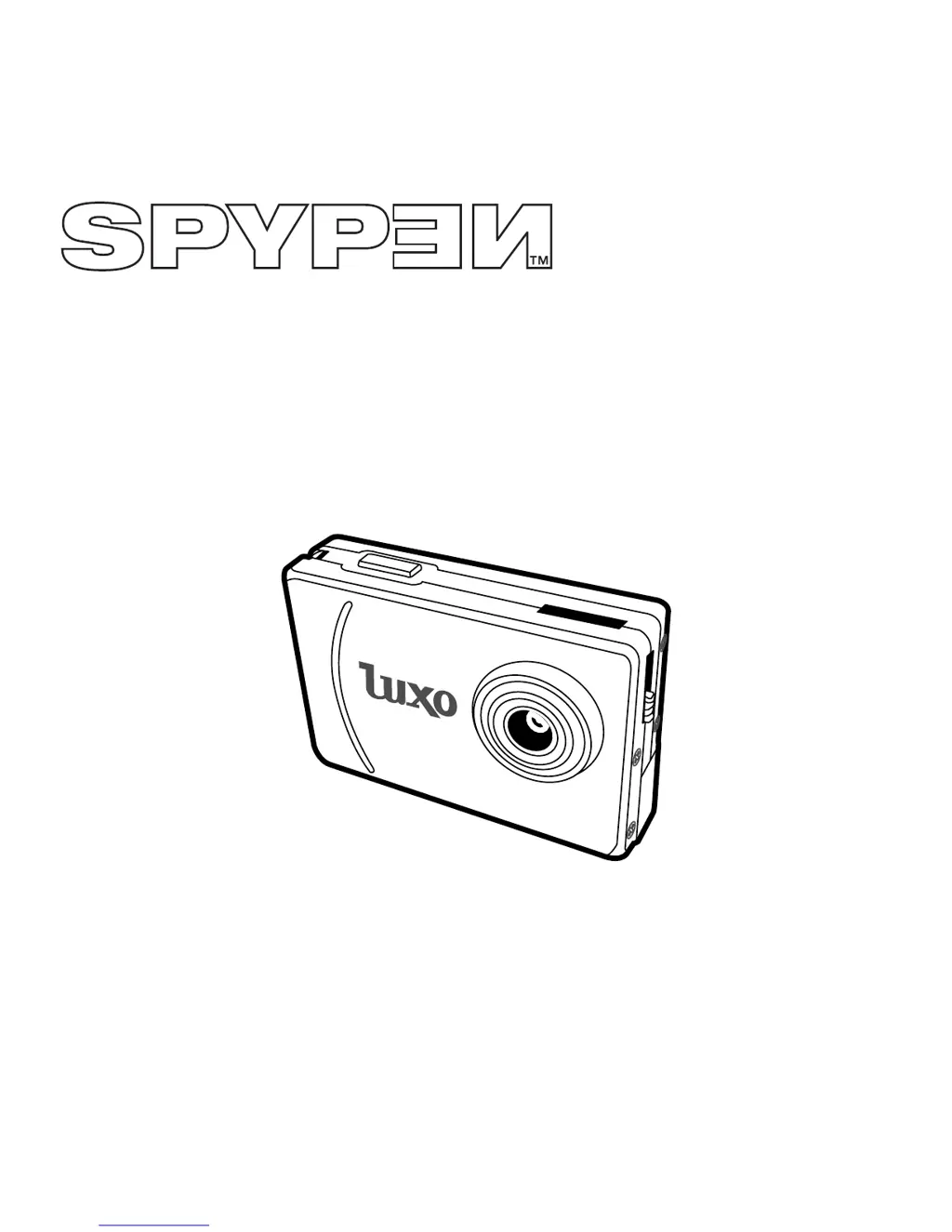
Spypen Luxo - User Manual

Spypen Luxo
38 pages
Print Icon
To Next Page IconTo Next Page
Loading...
User’s Manual
SPYPEN LUXO
© 2002 plawa

Table of Contents

Questions and Answers

  • K
    Kathleen FriedmanAug 14, 2025
    How to fix error message when installing Spypen Digital Camera Manager?
    • J
      Joe JimenezAug 14, 2025
      If you encounter an error message while installing the Spypen Digital Camera Manager, try closing all other applications and reinstalling the driver. If the issue persists, download the latest driver from www.spypen.com and install that version.
  • P
    Paul ReedAug 17, 2025
    Why I cannot run the Digital Camera Manager for Spypen Luxo?
    • L
      Lisa WardAug 17, 2025
      If you're unable to run the Digital Camera Manager for your Spypen device, it might be due to a conflict with another camera driver. To resolve this, remove any other camera and its driver completely from your computer.
  • J
    Joshua RichAug 20, 2025
    What to do if I cannot upload images to PC from Spypen Digital Camera?
    • T
      turnerheatherAug 20, 2025
      If you're having trouble uploading images to your PC from the Spypen Digital Camera, the issue might be a connection failure. Make sure that all cable connections are properly secured.
  • C
    Claire BennettAug 25, 2025
    Why is the LCD display flashing on my Spypen Digital Camera?
    • A
      ashley38Aug 25, 2025
      If the LCD display on your Spypen Digital Camera is flashing, it means the battery power is too low to continue taking images. You should immediately upload any saved images to your computer and then replace the battery.
  • A
    Andrew LucasAug 27, 2025
    How to find Digital Camera Manager folder for Spypen after installation?
    • T
      Thomas OrtizAug 27, 2025
      If the Digital Camera Manager folder isn't appearing in the Programs menu after installing the driver for your Spypen LUXO, it's because the installer requires the camera to be connected to the PC via USB after the software installation and PC restart. First install the software, then restart your PC, and finally connect the Spypen LUXO to the PC via the USB port. After that, the software folder will appear in the Program menu.
  • A
    Ana LambAug 31, 2025
    Why don't all the images I have taken appear on the Spypen LUXO?
    • N
      Nathaniel MackAug 31, 2025
      If the images you've taken aren't showing up on your Spypen LUXO, it could be due to insufficient battery power. Upload all images to your PC as soon as possible.
  • R
    Rebecca ChaseSep 3, 2025
    What to do if my Spypen Digital Camera CD Installation wizard does not work?
    • M
      Melissa JacksonSep 3, 2025
      If the CD installation wizard for your Spypen LUXO isn't working, go to your computer desktop, right-click on 'My Computer', and select 'Properties'. Then, go to 'Device Manager', double-click on 'CD-ROM', and double-click on your CD-R drive (usually the manufacturer's name). Click on 'Settings' and ensure that 'Auto insert notification' is ticked and 'disconnect' is ticked. If you change these settings, you'll be prompted to restart your PC; click 'Yes'.
  • D
    Dylan MullinsSep 6, 2025
    Why do I hear a low “beep” when trying to take an image with Spypen Digital Camera?
    • C
      cpetersSep 6, 2025
      If you hear a low beep when trying to take a picture with your Spypen Digital Camera, it means there is insufficient light. Try taking images in better lighting conditions.
  • M
    Melanie GutierrezSep 9, 2025
    How to access PhotoFantasy’s templates on Spypen LUXO Digital Camera?
    • L
      Lindsey ColemanSep 9, 2025
      If you cannot access any PhotoFantasy’s templates for your SPYPEN LUXO, it is probably because the CD is not in the CD-ROM drive. Insert the SPYPEN LUXO CD in CD ROM drive.

Spypen Luxo Specifications

General IconGeneral
Video FormatAVI
Frame Rate30fps
BatteryBuilt-in rechargeable lithium battery
Battery LifeAbout 90 minutes
Weight30g