2
1. Introduction
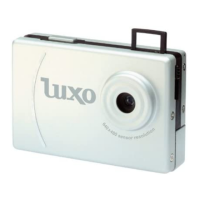
Congratulations on purchasing the SPYPEN LUXO. Using the latest innovations in
technology the SPYPEN LUXO offers fun, affordable and easy to use digital imaging.
Although you probably want to get started right away, please take a few minutes to read
this guide and familiarise yourself with your new SPYPEN LUXO. Your new SPYPEN
LUXO will take 24 High Resolution or 99 Low Resolution, which you upload to your
PC (Personal Computer) running Windows® 98SE,Windows® Me, Windows® 2000 and
Windows® XP or Macintosh® running OS 8.6 - 9.2 via the USB (Universal Serial Bus)
port.
You can also use your SPYPEN LUXO to capture not only snaps of your family and friends,
but also video clips of them in action.
Your SPYPEN LUXO can also be used as a Web Cam. If you have an internet connection
and microphone (not supplied) you can chat face-to-face with friends and colleagues,
conferencing in real time.
Please note that your images are stored on your SPYPEN LUXO’s internal memory.
When you have taken your images, the SPYPEN LUXO will wait for 30 seconds and then
automatically switch to Stand-by mode, which draws a constant trickle of power from the
battery. When the LCD display blinks, all stored images must have been uploaded and
saved as otherwise they will be lost.


 To Next Page