32
Power • Controller (BLACKBOX-4G)
USE THE CELLULAR FUNCTIONS OF THE CONTROLLER
The controller communicates with the mySPYPOINT server to update its sta-
tus or to send photos to the user account.
To do this:
1. The camera must be synchronized beforehand with the controller
(follow the steps in the PREPARING THE CAMERA (p.31) and PREPARING
THE BLACKBOX-4G CONTROLLER (p.31) sections).
2. The controller must be in CELLULAR mode (Settings
Camera Mode
Cellular).
3. Then, set the COUNTRY and CARRIER options.
4. In the TRANSMISSION MODE option (Settings Transmission Mode),
set the SYNCHRONIZE et SYNCHRONIZE AT options.
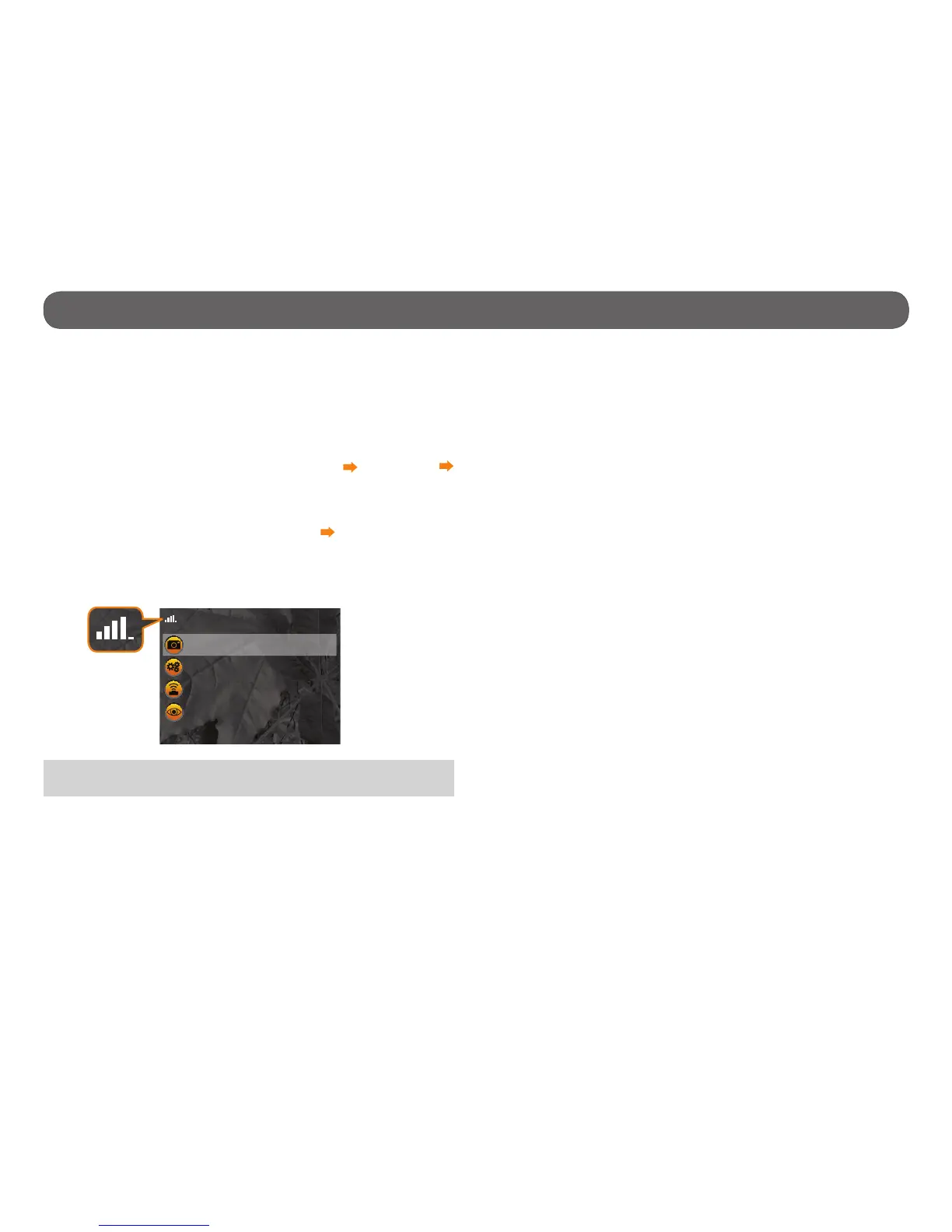
5. Return to the main menu. The controller immediately searches for the
cellular signal. Make sure you have a cellular signal.
6. The controller is ready to receive photos from the camera and send it to a
mySPYPOINT account. Select START BLACKBOX.
Start BlackBox
Settings
Manage Cameras
View
Truphone 4G
Note: It's preferable to install the controller outside to facilitate the cel-
lular signal reception.


 To Next Page