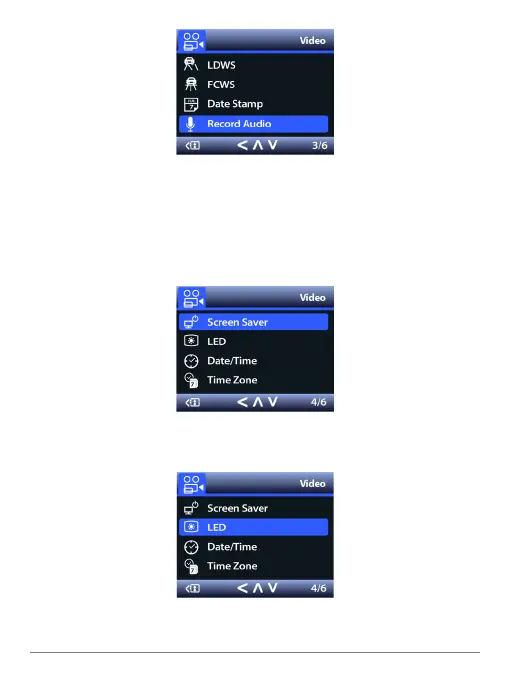
Record Audio
Video is normally recorded with audio, but you can turn off the microphone. When the
mic is off, the LED labeled mic, which normally glows red, will not be lit and a slash
will appear over a mic icon on the screen.
Note: This can also be changed during recording by pressing the microphone button
on the camera.
Screen Saver
The LCD goes dark by default after 3 minutes of inactivity. You can turn this off so
that the screen stays on.
LED
You can turn the camera’s LEDs off, which are enabled by default.
SPYTEC A119 DASH CAMERA USER GUIDE 16


 To Next Page