SPYTEC A119 DASH CAMERA USER GUIDE 7
INTERFACE
LED Indicators
LED Color Behavior
Solid Red Power ON, Recording
Flashing Red 1. Power ON, not recording
2. Upgrading
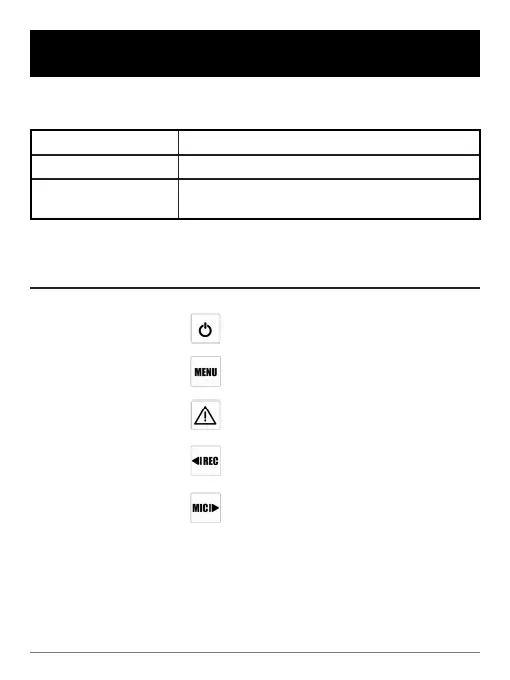
Buttons and Icons
Mode Buttons
Behavior
Stand-by Mode To turn on/off device
One press enters setting menu
Enter playlist
One press starts recording
One press disables audio
recording; press again to enable
audio recording



 To Next Page