SPYTEC A119 DASH CAMERA USER GUIDE 8
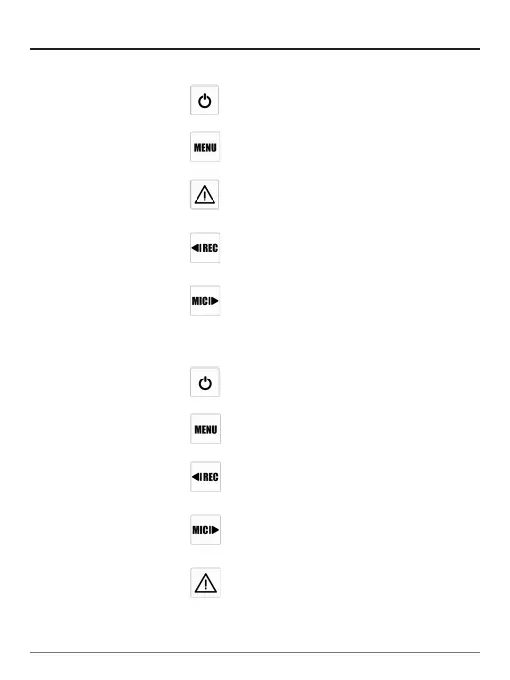
Mode Buttons
Behavior
Recording Mode One press turns off the screen;
press again to turn on the screen
One press captures a photo
One press locks the le being
recorded
One press starts recording
One press disables audio
recording, press again to enable
audio recording
Playlist Mode To turn on/off device
Back to previous menu
1. To select the last video
2. To delete the video
1. To select the next video
2. To lock/unlock the video
1. To enter the video selected
2. To play/pause the video


 To Next Page