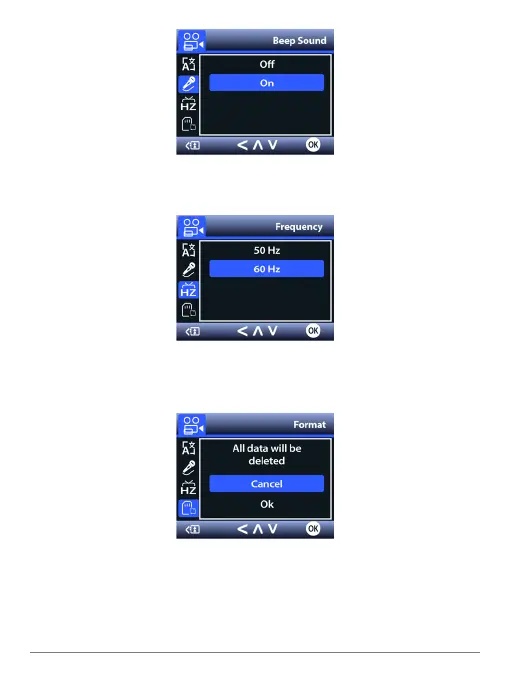
Beep Sound
By default, the camera emits a beep whenever you press a button. If you prefer, you
can turn it off.
Frequency
Adjusts the camera’s frequency setting to minimize ickering and banding in the
recorded video. Set it to 60 Hz in North America.
Format
The operation will delete all data on the MicroSD card. Make sure to back up all les
you want to keep before formatting.
SPYTEC A119 DASH CAMERA USER GUIDE 18


 To Next Page