We recommend performing
the CLEANSING programme
prior to each treatment.
1. Start the SQOOM by pressing
the POWER button.
2. Press the STEP button, until
the control light M (MASSAGE)
lights up.
3. Next press the MODE button
to select the functional mode
ION and ULTRA, until both
control lights light up.
4. Press the L/H button to
select the intensity LOW and
HIGH.
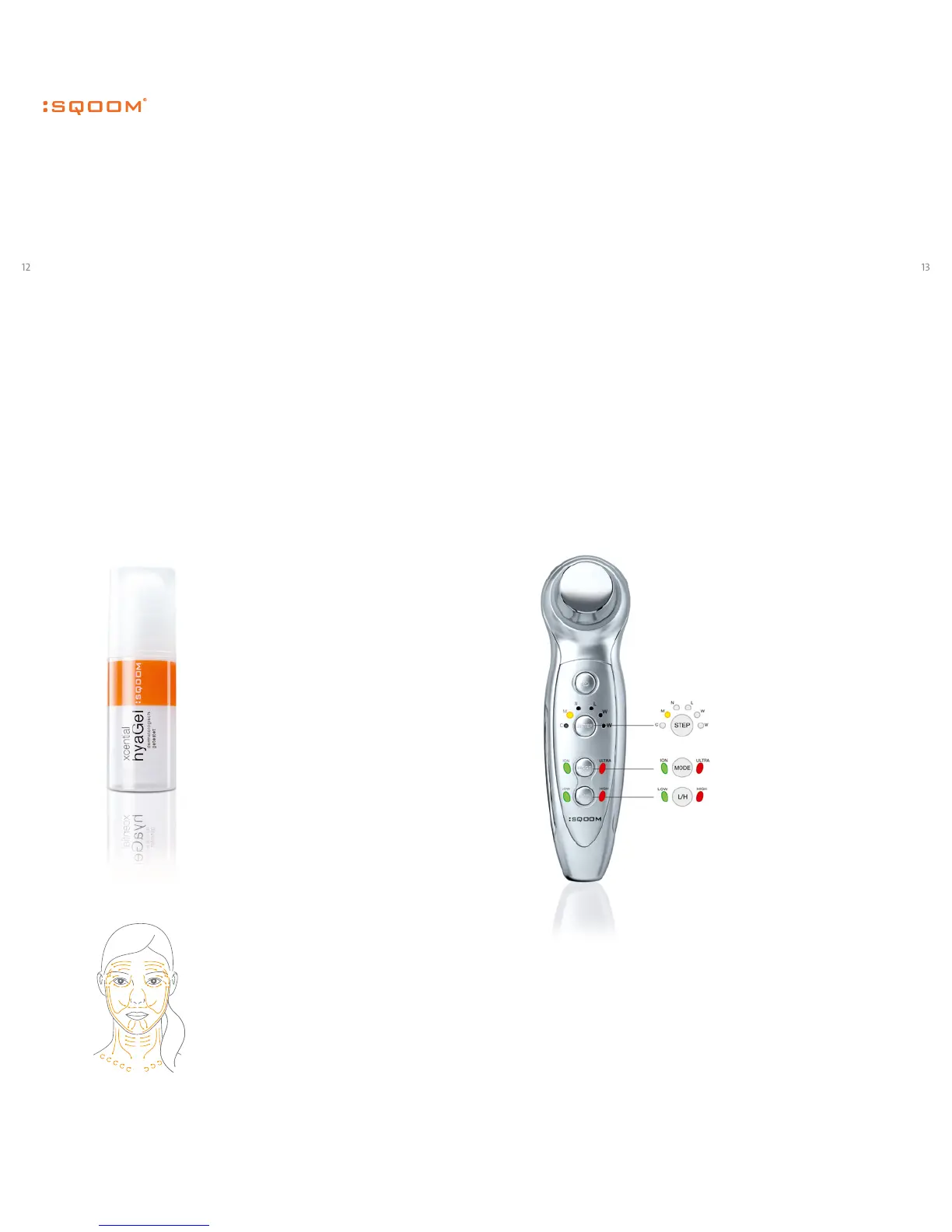
When the diaphane of your
SQOOM corresponds to the
adjoining graphic, the device
is ready for operation and you
can start the treatment.
The default operation time is
4 minutes. You can repeat the
treatment after the acoustic
signal by pressing the STEP
button repeatedly.
Wash o the remaining gel after
the SQOOM treatment. Use
the SQOOM xcential SkinCare
as an optimal completion and
for the daily care.
MASSAGE Programme 2
Skin tightening
Programme: M
Gel: xcential hyaGel
Treatment time: 8 min.
User programmes
Just like a conventional mas-
sage, the SQOOM massage
brings back relaxation and
elasticity to the skin. Negative
and positive ions and sound
waves activate the cell spaces
and eectively stimulate the
metabolism. Your skin beauty
improves notably.
First apply the xcential hyaGel
generously on the transducer
or the skin area to be trea-
ted. Hold the SQOOM firmly
on both sides, touching the
contact handles. Next, lay the
transducer on the skin area to
be treated and move it softly
over the skin in slow circles.


 To Next Page