How-to
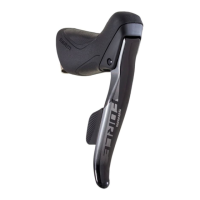
How do I pair SRAM eTap AXS shift-brake levers or an eTap AXS BlipBox to eTap 11-speed
derailleurs?
SRAM RED and Force eTap AXS shift-brake levers or the eTap AXS BlipBox with firmware version 2.29.4 or
later can be paired with RED eTap 11-speed front and rear derailleurs using the RED eTap pairing process.
Rival eTap AXS shift-brake levers are not compatible with eTap 11-speed derailleurs due to differences in their
electronic hardware and do not support this firmware feature.
NOTE: SRAM RED eTap 11-speed front and rear derailleurs do not require a firmware update to pair with
firmware 2.29.4 compatible SRAM eTap AXS shift-brake levers and eTap AXS BlipBox.
Follow the instructions below to check the firmware version of your eTap AXS shift-brake levers or eTap AXS
BlipBox before completing the SRAM RED eTap pairing process.
HOW TO CHECK AND UPDATE FIRMWARE
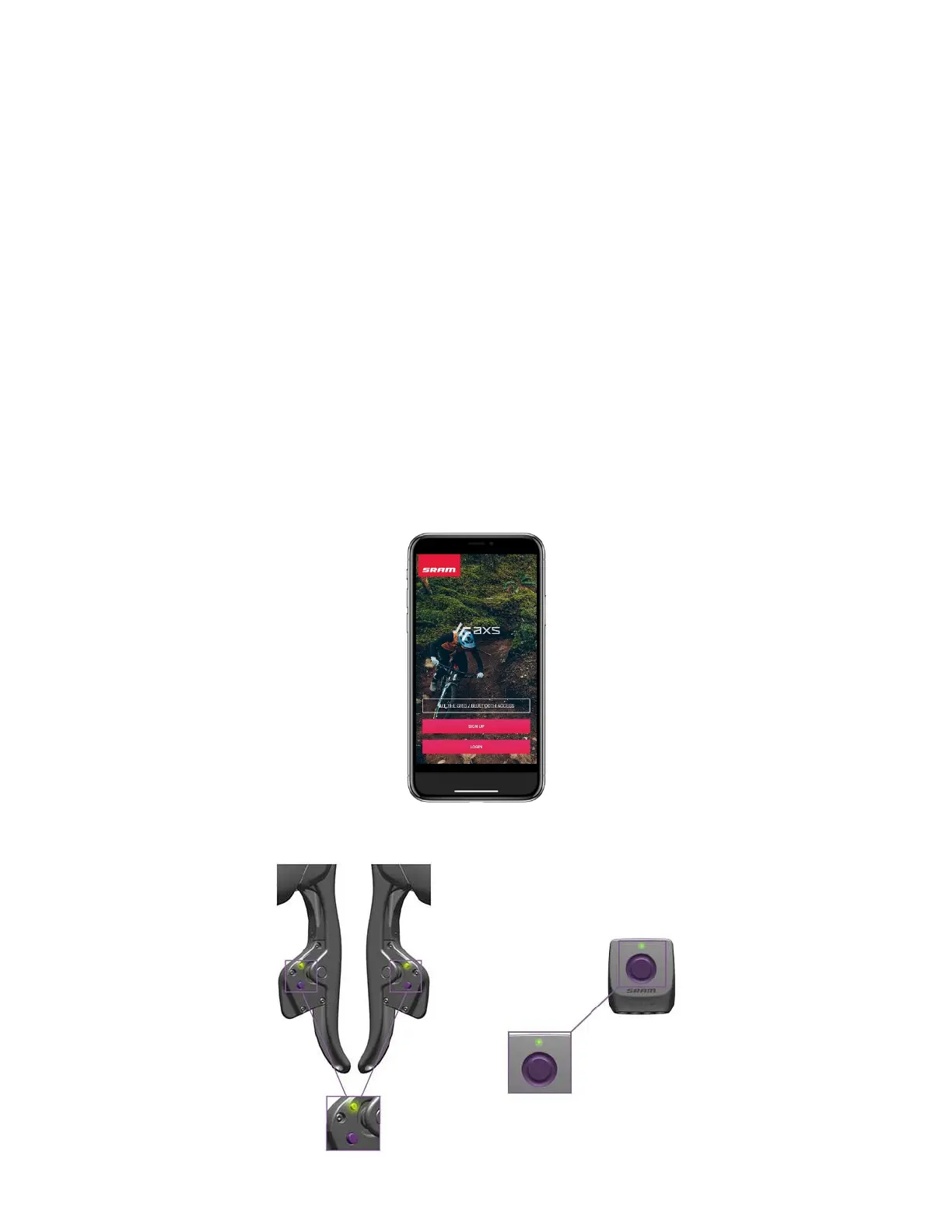
1) Open the AXS App and select one of the following.
• [OFF THE GRID / BLUETOOTH ACCESS] to continue as a guest.
• [SIGN UP] to create a new account.
• [LOGIN] if you already have an account.
2) Wake the eTap AXS shift-brake levers or the eTap AXS BlipBox by pressing the component’s AXS button.
3) Ensure that Bluetooth is enabled on your mobile device and select [SEARCH FOR PARTS].



 To Next Page