Light
•Pairing: Red and blue lights flash alternately
•Paired: Blue light flashes
•Playing:Blue light slowlyflashes
•Charging: Red light turns on
•Full Charge: Red light turns off
•Battery Low: Red light turns on with voice prompt
•ANC On: Green light turns on.
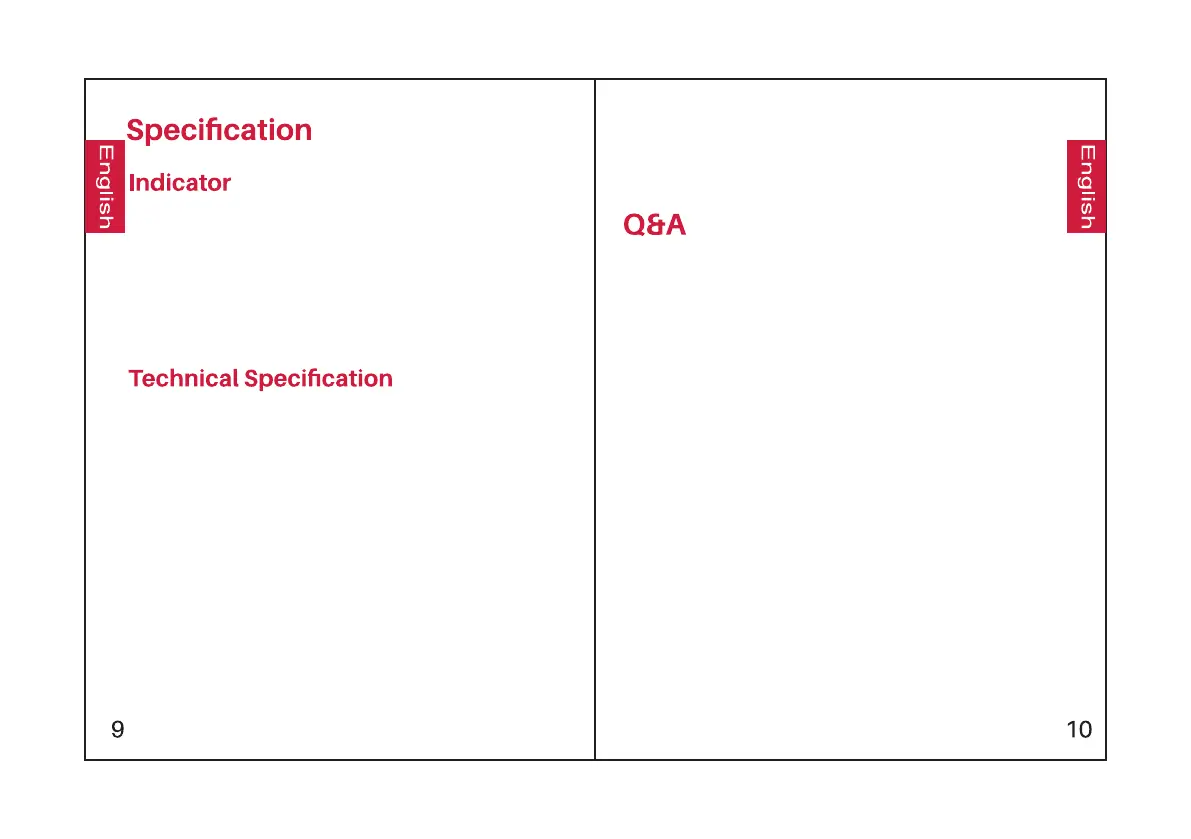
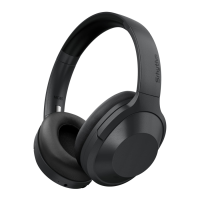
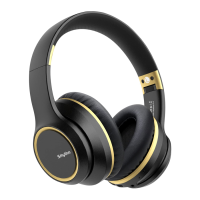
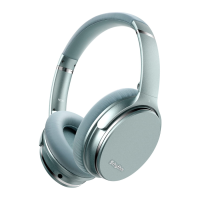
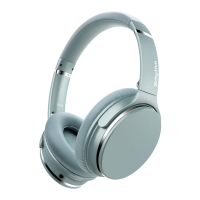
•Product name: Srhythm NC25
•Battery capacity: 360mAh
•Input: 5V220mA
•Charging time: About 2 hours
•Use time: 12–16 hours
•Bluetooth version: V4.1
•Chip: CSR
•Bluetooth profile: A2DP, AVRCP, HSP, HFP, CVC
•Bluetooth range: 10m/33ft
•Waterproof rating: IPX4
•Net weight: 180g
•Impedance: 32 Ω
•Driver diameter: Φ40mm
•Frequency response: 20–20KHz
1. Q: Why can't the headphones pair with my mobile
phone?
A: Please check whether your headphones are in pairing
mode or reconnection mode, check if the Bluetooth
search function of your Bluetooth device is turned on,
then go to the Bluetooth menu of your Bluetooth device,
delete/forget the headphones and reconnect them.
2. Q: Why can't the headphones turn on?
A: Please double check the battery status of your
headphones.
3. Q: Can I replace the battery in the headphones?
A: No. These headphones use a built-in non- detachable
Li-Polymer battery which can't be replaced.
4. Q: Can I use the headphones while driving?
A: For your safety, we strongly recommend you do not use
headphones while driving so as to avoid distraction.
5. Q: Why do the headphones sometimes disc-onnect from
the Bluetooth device within 10 meters?
A: Please check if there is any metal material within a
relatively close range that may be interfering with the
Bluetooth connection. This may happen because
Bluetooth is a radio technology which is sensitive to
objects between the headphones and the irconnected
devices.
If any isssues,please full charge your
headphone(don't use fast charger),then Reset
the headphone by inserting the audio cable
into audio socket then removing it.


 To Next Page