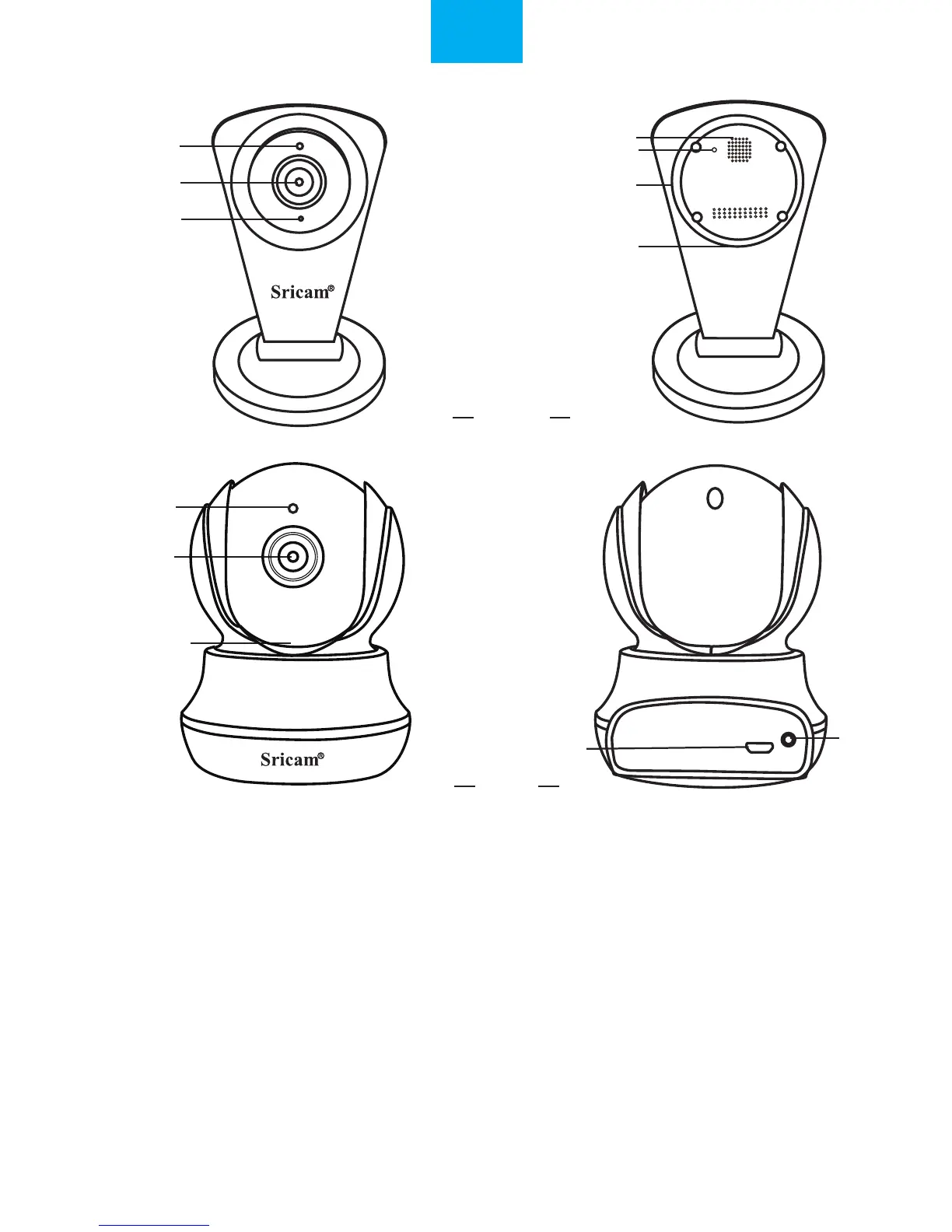
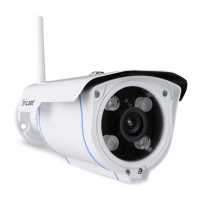
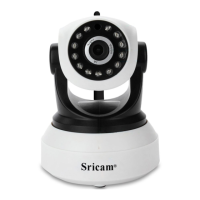
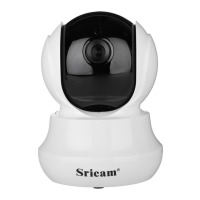
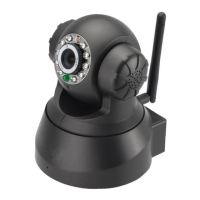
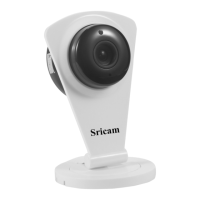
IR Sensor
IR Sensor
Lens
Lens
Speaker
Microphone
Reset
Reset
MicroSD card Slot
MicroSD card Slot
DC 5V Power Slot
DC 5V Power Slot
Reset
Products Introduction
Before starting setup
Make sure of the following:
• Your router supports the 2.4GHz frequency band (802.11b/g/n).
• Your router DHCP is enabled.
• Your smartphone is connected to the Internet with a WLAN/Wi-Fi that the camera will connect with.
• You know the WLAN/Wi-Fi password.( No special characters in the password and Wi-Fi SSID
such as @#$%^&*).
• Your smartphone, camera, and router should be within about 8 feet during setup. After your camera
is set up,you can move the camera to your preferred location.
Note: For watch live video on App without internet, please go to page 7: FAQ2.
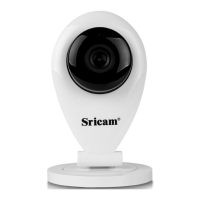
SP009C
SP020
EN
1


 To Next Page