EasyManua.ls Logo

Srne HF4850S80-H - User Manual

Default Icon
34 pages
Print Icon
To Next Page IconTo Next Page
Loading...
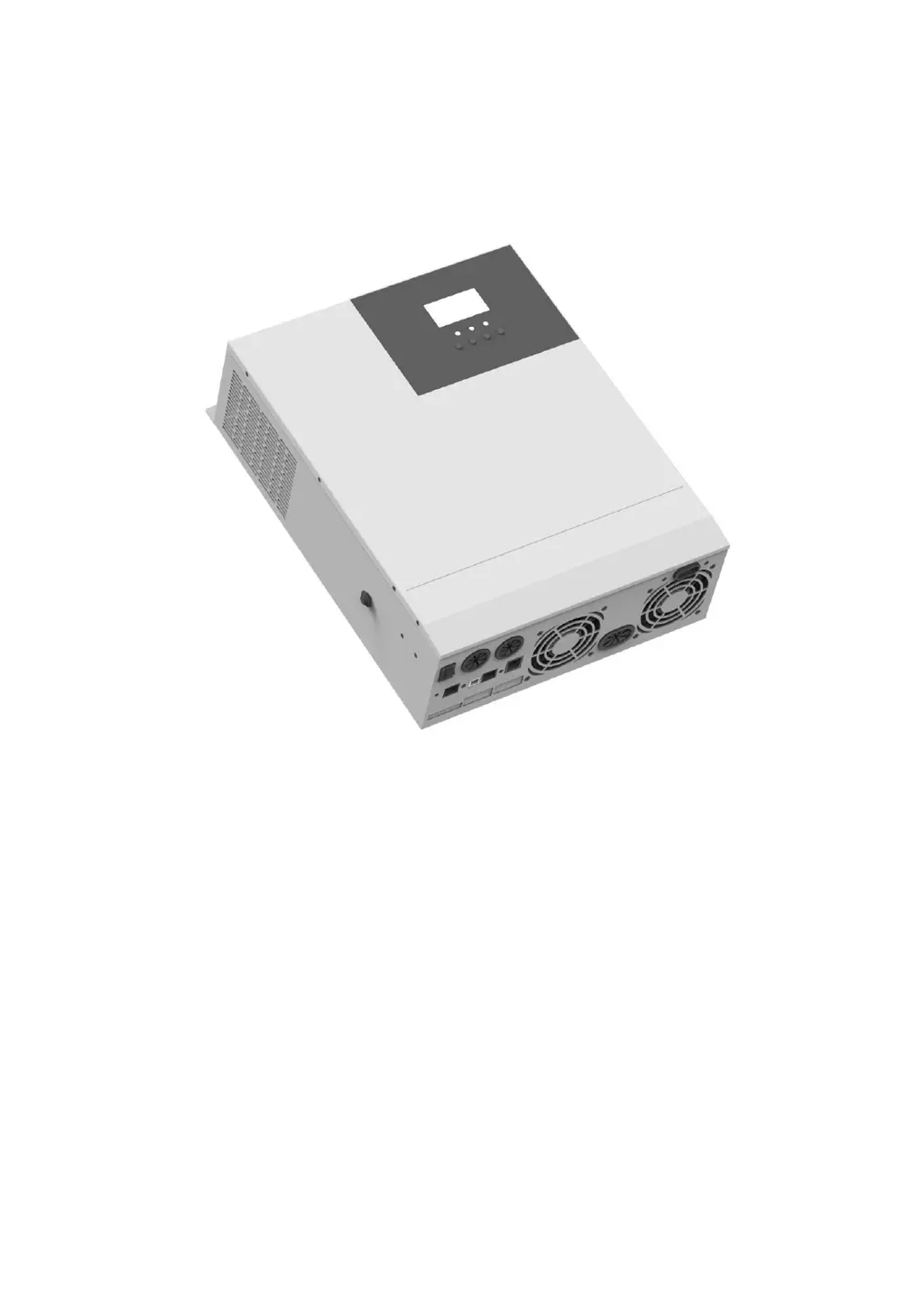
SOLAR INVERTER CHARGER
Product Manual
Product Type
HF4830S60-H | HF4850S80-H
MF4830S60-H | MF4850S80-H
Solar Energy Storage Inverting & Control All-In-One Machine 1

Questions and Answers

  • B
    Brian SmithAug 14, 2025
    What to do if Srne HF4850S80-H Battery Charger shows PV overvoltage?
    • J
      Jennifer JonesAug 14, 2025
      If the Srne Battery Charger indicates 'PV overvoltage', it means the PV input voltage is exceeding the maximum allowable input. Use a multimeter to check if the PV input voltage is within the acceptable range.
  • J
    Joseph BlackAug 17, 2025
    What to do if Srne Battery Charger shows bypass overload protection?
    • M
      Marie ZhangAug 17, 2025
      If the Srne Battery Charger displays 'Bypass overload protection' or 'inverting overload protection', try decreasing the power consumption of connected devices. Then, restart the all-in-one machine to restore the load output.
  • T
    Travis DavenportAug 21, 2025
    What to do if Srne HF4850S80-H shows inverting short-circuit protection?
    • K
      kmyersAug 21, 2025
      If the Srne Battery Charger displays 'Inverting short-circuit protection', carefully inspect the load connection to identify and fix any short-circuit faults. After resolving the issue and powering the device on again, the load output should be restored.
  • J
    Jonathan GutierrezAug 26, 2025
    How to fix Srne HF4850S80-H Battery Charger no display on screen?
    • S
      stuartfreemanAug 26, 2025
      If the Srne Battery Charger screen is blank, verify that the battery air switch or PV air switch is closed and in the "on" state. You can also try pressing any key on the screen to wake it from sleep mode.
  • Z
    zachary09Aug 28, 2025
    What to do if Srne HF4850S80-H indicates charge battery overvoltage protection?
    • M
      mallory30Aug 28, 2025
      If the Srne Battery Charger shows a 'Charge battery overvoltage protection' error, it indicates that the battery voltage is exceeding 60V. Disconnect the photovoltaic array air switch and the AC air switch.
  • S
    Susan WalkerSep 1, 2025
    What to do if Srne HF4850S80-H Battery Charger shows no connection alarm of battery?
    • S
      Shane AlvarezSep 1, 2025
      If the Srne Battery Charger is alarming about 'No connection of battery', check if the battery is disconnected or if the breaker at the battery side is not closed.
  • T
    Troy PowellSep 5, 2025
    What to do if Srne HF4850S80-H has radiator overtemperature protection?
    • K
      Kathleen RichardsonSep 5, 2025
      If the Srne Battery Charger's radiator is experiencing overtemperature protection, the device should automatically return to normal charge and discharge control once it cools down below the overtemperature recovery temperature.
  • R
    Robert DiazSep 8, 2025
    What to do if Srne Battery Charger reports fan fault?
    • A
      Ashley BauerSep 9, 2025
      If the Srne Battery Charger reports a fan fault, check the fan to see if it is not working or is blocked by something. Ensure the fan can operate freely.

Summary

Important Safety Instructions

Installation Guide

Installation Precautions and Notices

Key safety guidelines and prerequisites before commencing installation.

Step-by-Step Installation and Wiring

Detailed instructions for physically installing and connecting the device.

LCD Screen Operation

Navigating and Setting Parameters

Instructions for accessing and modifying various operational parameters.

Device Protection Features

Overview of Protection Functions

Lists and describes the various safety and protection mechanisms of the device.

Fault Code Interpretation

Explanation of fault codes displayed by the machine and their impact.

Troubleshooting Common Faults

Provides solutions for identifying and resolving common operational issues.

Technical Specifications

Srne HF4850S80-H Specifications

General IconGeneral
ModelHF4850S80-H
Input Voltage230 VAC
Selectable Voltage Range170-280 VAC (For Personal Computers); 90-280 VAC (For Home Appliances)
Frequency Range50 Hz/60 Hz (Auto sensing)
Output Voltage Regulation230 VAC ± 5%
Efficiency (Peak)93%
Transfer Time10 ms (For Personal Computers); 20 ms (For Home Appliances)
WaveformPure sine wave
Battery Voltage48 VDC
Floating Charge Voltage54 VDC
Maximum PV Array Open Circuit Voltage500VDC
Maximum Charging Current80A
Maximum Efficiency98%
Standby Power Consumption2W
Cooling MethodFan cooling
Weight12 kg
Efficiency93%
Protection FeaturesOverload Protection, Short Circuit Protection, Over Temperature Protection
Storage Temperature-15°C ~ 60°C
MPPT Range @ Operating Voltage120-450VDC

Related product manuals