Get-Started
8
SSL 2+ User Guide
Can't Hear Anything?
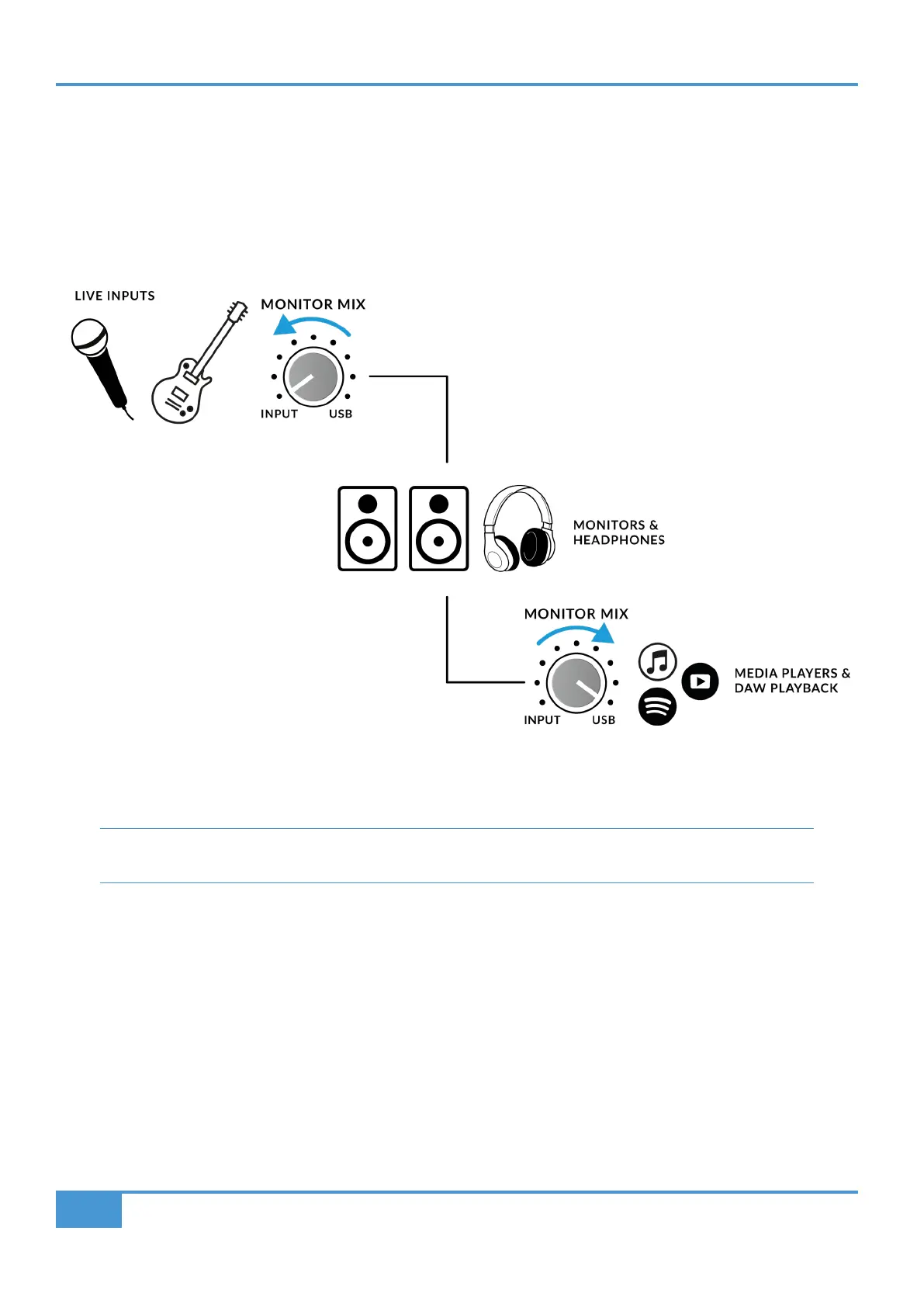
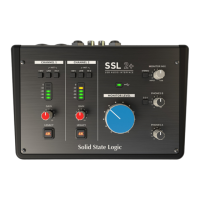
If you have followed the Quick-Start steps but are still not hearing any playback from your media player or DAW, check the position
of the MONITOR MIX control. In the left-most position, you will hear only the inputs you have connected. In the right-most position
you will hear the USB playback from your media player/DAW.
In your DAW, ensure that ‘SSL 2+’ is selected as your audio device in the audio preferences or playback engine
settings. Don't know how? Please see the next page...
.


 To Next Page