EasyManua.ls Logo

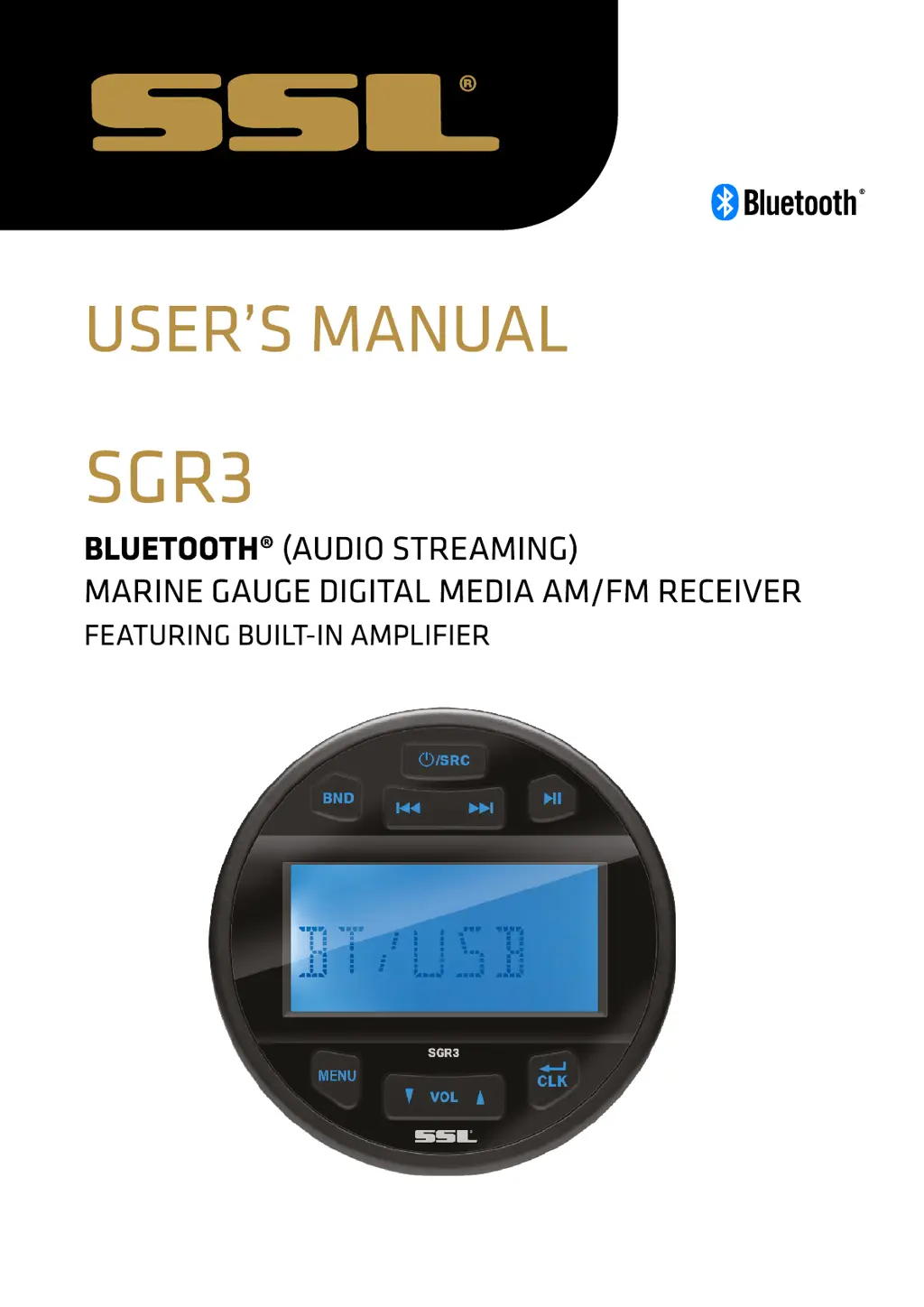
Ssl SGR3 - User Manual

Ssl SGR3
9 pages
Print Icon
To Next Page IconTo Next Page
Loading...

Questions and Answers

  • C
    crawfordbrittanyJul 28, 2025
    What to do if my Ssl Marine Equipment has no power?
    • J
      John DavidsonJul 28, 2025
      If your Ssl Marine Equipment is not receiving power, there are a couple of things to check: * If connected to the car accessory circuits, ensure the ignition key is switched to “ACC” if the engine isn't running. * Also, inspect the fuse and replace it if it's blown.
  • L
    Lauren MoralesAug 7, 2025
    Why is there no sound coming from my Ssl Marine Equipment?
    • M
      Matthew HardingAug 7, 2025
      If you're experiencing no sound from your Ssl Marine Equipment, consider the following: First, check the volume level and adjust it to your desired setting. Second, verify that all wiring connections are properly connected.
  • F
    Frederick Davenport Jr.Aug 17, 2025
    What to do if the operation keys on my Ssl Marine Equipment don't work?
    • K
      Kendra McguireAug 17, 2025
      If the operation keys on your Ssl Marine Equipment are unresponsive, it could be due to the built-in microcomputer malfunctioning because of noise. Try pressing the reset button.

Summary

Installation

Installation Instructions

Provides instructions for installing the marine gauge digital media receiver.

Wiring Connection

Details the wire connections and functions for the SGR3 unit.

Key Function

Location of Keys

Identifies and labels the physical buttons on the SGR3 unit.

Operation

Turning On;Off

Explains how to power the unit on and off.

Sound and Setting Adjustment

Covers adjusting audio settings, EQ, loudness, and system tone.

Clock Setting

Details the procedure for setting the unit's clock time.

Reset the Unit

Describes how to reset the unit in case of malfunctions or freezes.

Radio Operation

Explains how to operate the radio, including band selection and tuning.

USB Operation

Details how to play music files from a USB drive.

AUX IN Operation

Describes how to connect and use an external audio source via AUX IN.

Bluetooth Operation

Covers pairing, audio playback, and managing Bluetooth connections.

Disconnecting Bluetooth

Explains how to disconnect an active Bluetooth connection.

Reconnecting Bluetooth

Details the process for reconnecting to a previously paired Bluetooth device.

Troubleshooting

General Specifications

Lists general specifications for the SGR3 unit.

Troubleshooting Checklist

Provides a table of common issues, causes, and solutions.

Ssl SGR3 Specifications

General IconGeneral
BrandSsl
ModelSGR3
CategoryMarine Equipment
LanguageEnglish