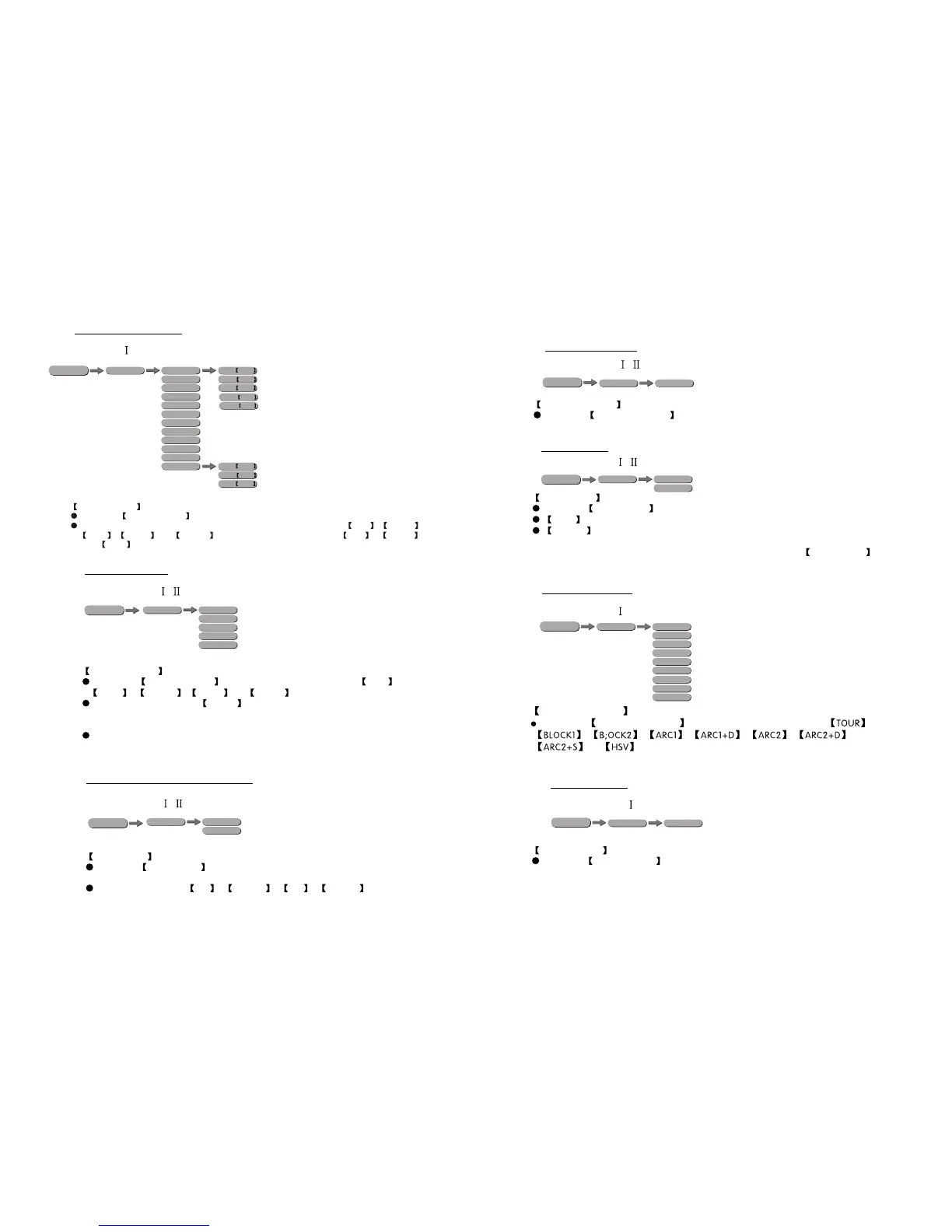
3.8 ID ADDRESS
ID ADDRESS
Enter the ID ADDRESS mode to set the ID ADDRESS.
ID
1~66
MENU
7
10
3.7 PERSONALITY
3.5 DMX ADDRESS
DMX ADDRESS
Enter the DMX ADDRESS mode to set the DMX ADDRESS.
RUN MODE
Enter the RUN MODE mode to set working mode.
DMX mode is for using the DMX512 controller to control the fixtures.
SLAVE mode is for Master -- Slave operation, or controlled fixture by
Pix-controller.
Note: When fixtures are under Auto program operation, the RUN MODE does
no works.
3.6 RUN MODE
PERSONALITY
Enter the PERSONALITY mode to select DMX mode: ,
,,, ,, ,
or .
ADDERSS
1~512
MENU
RUN
SLAVE
DMX
MENU
PERSON
TOUR
BLOCK1
BLOCK2
ARC 1
ARC 1+D
ARC 2
ARC 2+D
ARC 2+S
HSV
MENU
KEY-LOCK
Enter the KEY-LOCK mode to select whether the access password is on
or off.
Access password is UP + DOWN + UP + DOWN .
3.14 ACTIVATE THE PASSWORD
KEYLOCK
OFF
ON
MENU
WHITE1
WHITE2
WHITE3
WHITE4
WHITE5
WHITE6
WHITE7
WHITE8
WHITE9
WHITE10
WHITE11
RGB TO W
GREN 0~255
RED 0~255
BLUE 0~255
CALIB
MENU
3.12 WHITES SETTING
WHITE 0~255
AMBER 0~255
GREN 0~255
RED 0~255
BLUE 0~255
WHITE CALIB
Enter the WHITE CALIB to select white color of different color temperature.
There are 11 pre-programmed White colors can be edited by using Red , Green ,
Blue , White and Amber , and RGB TO WHITE by using Red , Green
and Blue .
3.13 FAN SETTING
FAN SETTING
Enter the FAN SETTING to select the fan speed mode OFF ,
LOW , NORM , HIGH or AUTO .
When fan setting is on AUTO mode, the fixture will automatic adjust the
fan speed and fixture power, ensure the fixture temperature is not exceed
the limit.
When fan setting is on other modes, the fan will run according to the set
speed.
.
FANS
OFF
LOW
NORMAL
HIGH
AUTO
MENU
APPLY :(Type- )
APPLY :(Type- / )
APPLY:(Type- / )
APPLY:(Type- / )
APPLY:(Type- / )
APPLY:(Type- )
APPLY:(Type- )


 To Next Page