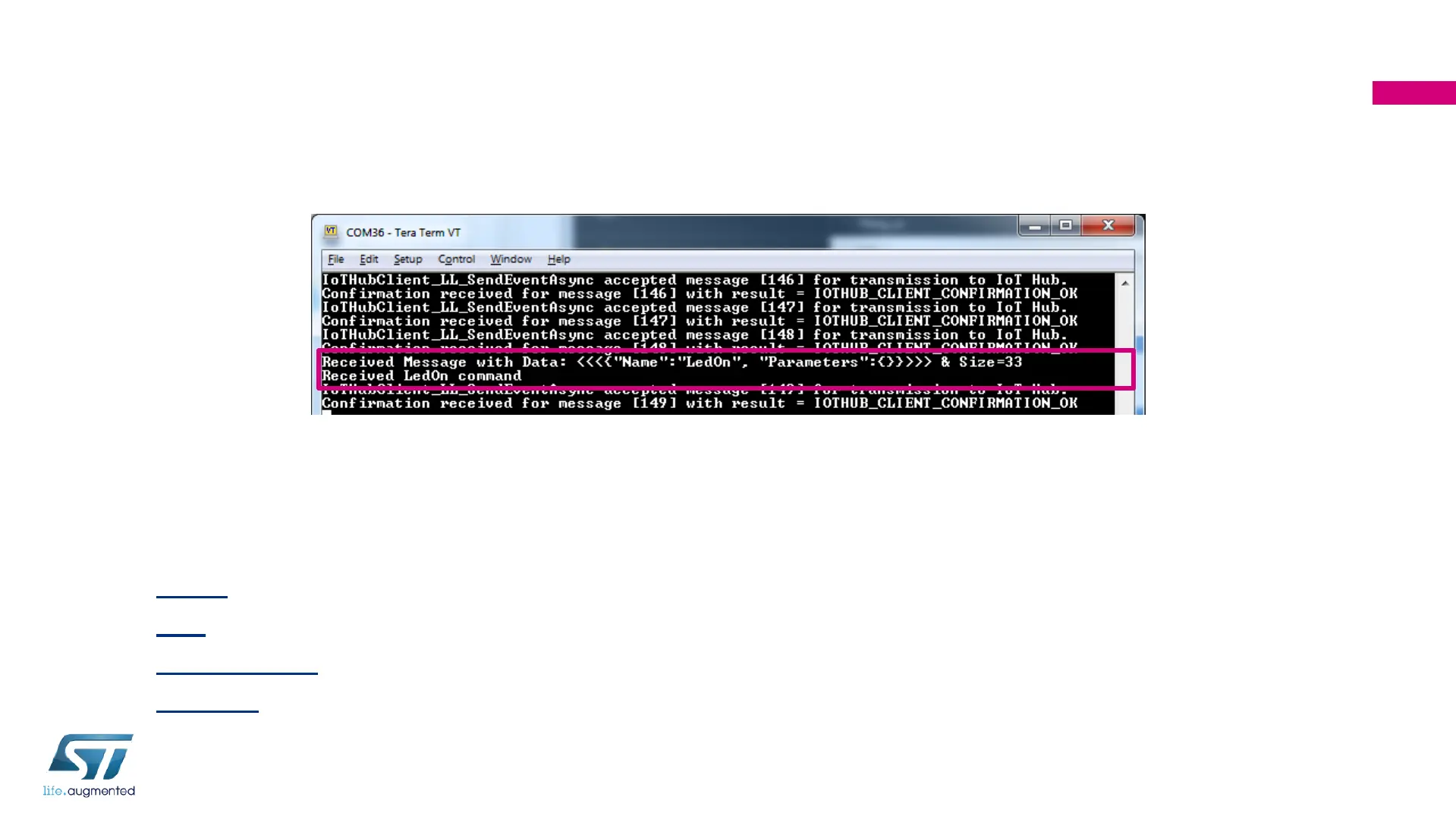
Step 2: Visualize and Interpret Message
received by device
• Each message received by the device from IoT Hub is printed over serial terminal
• Microsoft Azure IoT SDK provides means to define user specific callbacks (actions)
associated to certain commands
• By default the application can interpret the following messages:
• Pause pause the application
• Play resume the application
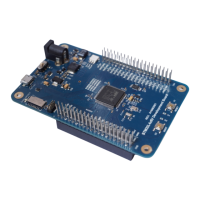
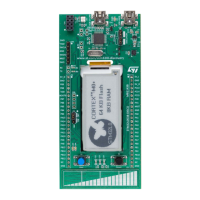
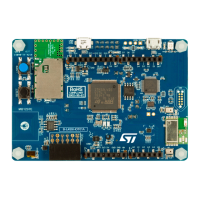
• LedOn/LedOff turn on/off the green LED on IoT Dk board
• LedBlink the green LED on IoT Dk board will blink for each message received
158


 To Next Page