Open the BlueNRG_HandsOn Project
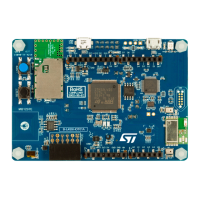
• We are going to configure the BlueNRG_HandsOn program to give each BlueNRG module a
unique MAC address and Unique device name. The device name will be used later to identify
your board within the ST BLE Profiles app.
1. Close the previous Keil MDK-ARM project.
2. Double click on the Project.uvprojx file located here:
180
…\STM32Cube\Repository\STM32Cube_FW_L4_V1.9.0\Projects\B-L475E-
IOT01\Applications\BLE\HeartRate\MDK-ARM\
Note: Your STM32Cube Repository folder path can be found by
launching STM32CubeMX, and checking Help > Updater Settings


 To Next Page