12
Delete paired information
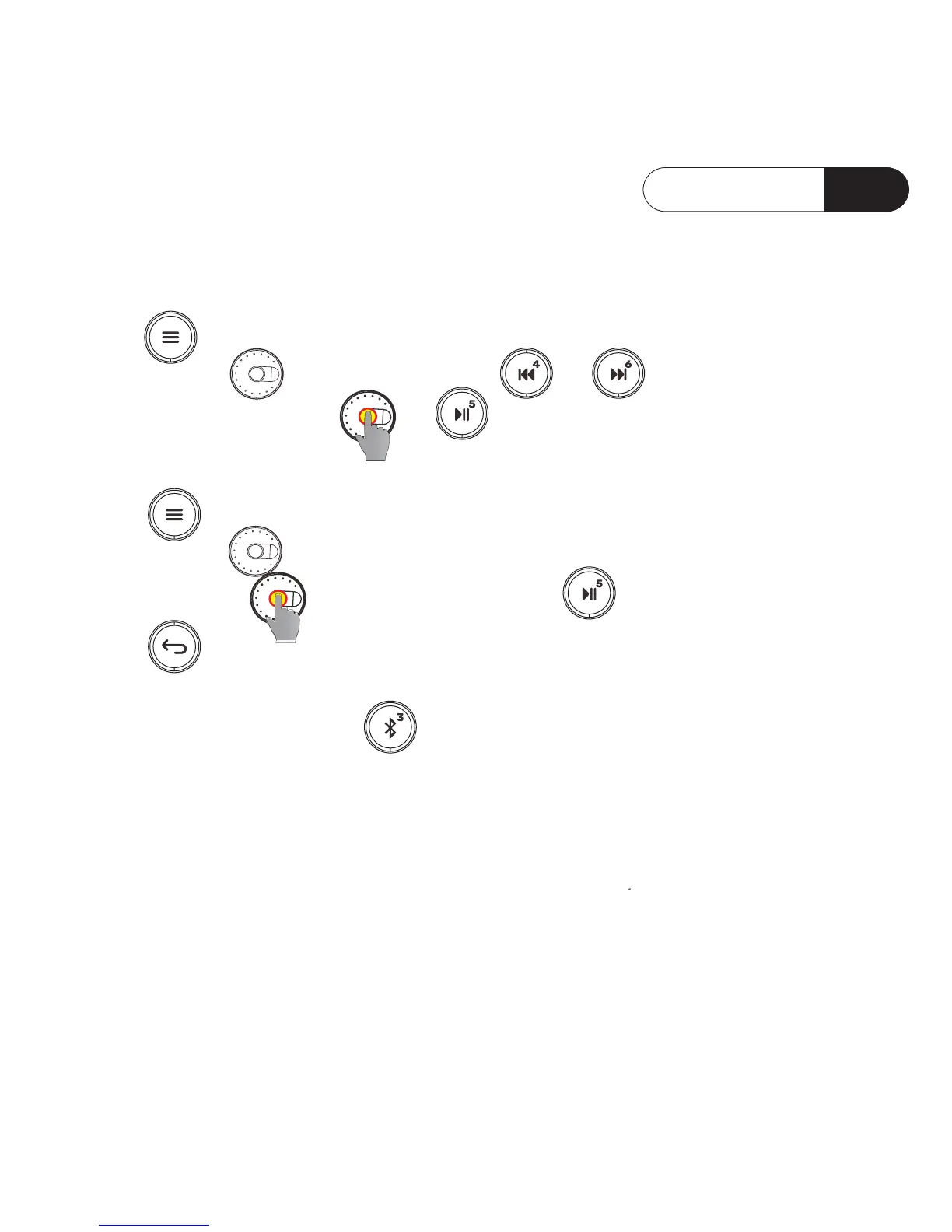
1� Press to enter the Bluetooth menu�
2� Roll the wheel to select Delete paired �
3� Press the button at the center of wheel or to conrm the selection.
4� Press to go back to the previous menu�
You can also press and hold for 3 seconds to delete paired information.
Bluetooth Mode
█
Function Operation
2� Roll the wheel (You can also press or ) to select Reconnect�
3� Press the center of wheel or to conrm.
1� Press to enter Bluetooth menu�
Reconnect to the Bluetooth Device
NOTE:
If experiencing problems pairing to a previously paired device you may need to unpair
your other paired devices and or " Forget Device" then repair.


 To Next Page