18
Wireless Mic
NOTE: Wireless Mic is only available in Bluetooth mode, AUX mode and Radio
mode� Please refer to the Function Operation to enter these mode�
Connecting the Mic
1� Plug the USB receiver of wireless microphone into the PAWATER USB port and then
the blue light on the USB receiver will light up�
2� Press
on the Mic, the receiver will then light up green to confirm connection�
Adjust the Mic volume
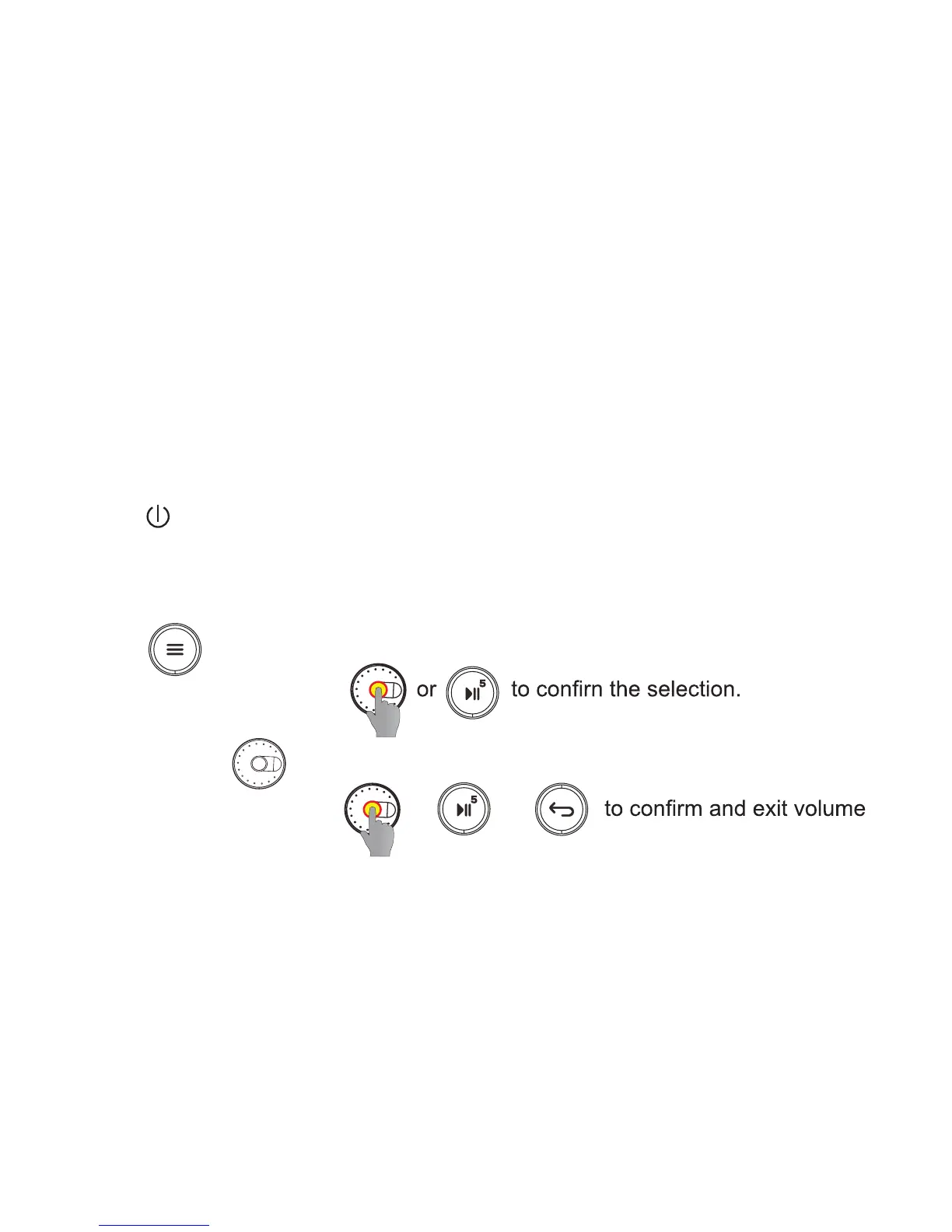
1� Press to select Mic volume in Bluetooth, AUX or Radio mode�
2� Press the center of wheel
leehw eht lloR �3 to adjust the volume (0~15 levels)�
4� Press the center of wheel or or
adjustment state�
█
Function Operation


 To Next Page