EasyManua.ls Logo

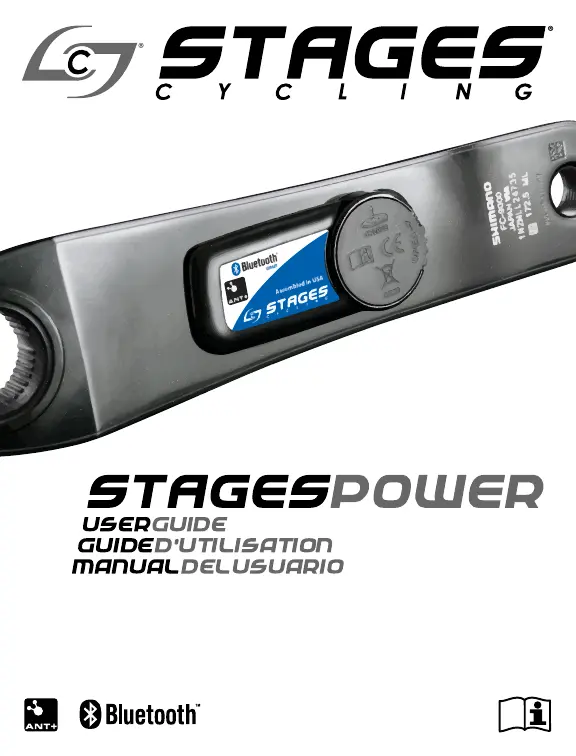
Stages cycling SPM1 - User Manual

Default Icon
44 pages
Print Icon
To Next Page IconTo Next Page
Loading...
TM

Questions and Answers

  • J
    joseph39Jul 25, 2025
    What to do if no power or cadence signal from Stages cycling SPM1?
    • K
      Kayla BlakeJul 25, 2025
      If your compatible display unit isn't receiving power (watts) or cadence (RPM) signals from your Stages cycling Bicycle Accessories, first, make sure a working CR2032 battery is correctly installed in the power meter. Then, pedal with a cadence higher than 20 RPM. Finally, check that the power meter is successfully paired with your display unit.
  • A
    Allison NelsonAug 2, 2025
    Why does my Stages cycling Bicycle Accessories calibration time out?
    • W
      Wesley SextonAug 2, 2025
      If the calibration process for your Stages cycling Bicycle Accessories times out, especially when using a Garmin® display with the heart rate (HR) sensor enabled, turn off the HR sensor on your Garmin during calibration and turn it back on after the power meter is calibrated. If the issue persists, attempt zero reset again or contact Stages Cycling – Technical Support.
  • T
    Tracey ShawAug 9, 2025
    Why am I not receiving power or cadence signals from my Stages cycling SPM1 Bicycle Accessories?
    • J
      Jennifer BellAug 9, 2025
      If you're not getting any power (watts) or cadence (RPM) signal from your Stages cycling Bicycle Accessories, there are a few potential reasons: 1. **Battery**: Make sure a working CR2032 battery is correctly installed in the power meter. 2. **Pedaling**: Ensure you are pedaling with a cadence greater than 20 RPM. 3. **Pairing**: Verify that the power meter is successfully paired with your display unit, following the manufacturer's instructions.
  • K
    Kelly LevyAug 17, 2025
    What to do if error code #32 is displayed on Stages cycling SPM1 Bicycle Accessories?
    • J
      Jessica HartAug 17, 2025
      If you see error code #32 displayed on your Stages cycling Bicycle Accessories, it means the power meter crank is not in the correct position. Ensure the power meter crank is positioned straight down to resolve this issue.

Summary

Water resistance notice

Power meter (crank arm) installation

Pairing the power meter

ANT+

Ensure the power meter has a fully charged CR2032 battery properly installed. Rotate the crank arm one time to ensure the power meter is awake and ready to communicate.

Bluetooth Smart

Ensure the power meter has a fully charged CR2032 battery properly installed. Rotate the crank arm one time to ensure the power meter is awake and ready to communicate.

Zero offset calibration

How to calibrate the zero offset

Troubleshooting

Calibration time out

When using a Garmin® display unit with the heart rate (HR) sensor enabled, it is possible the calibration process will take too long and time out before completion.

Error Codes

Warranty procedures

STAGES CYCLING LLC (1) One Year Limited Warranty

Stages cycling SPM1 Specifications

General IconGeneral
BrandStages cycling
ModelSPM1
CategoryBicycle Accessories
LanguageEnglish

Related product manuals