EasyManua.ls Logo

Stairville AFH-600 - User Manual

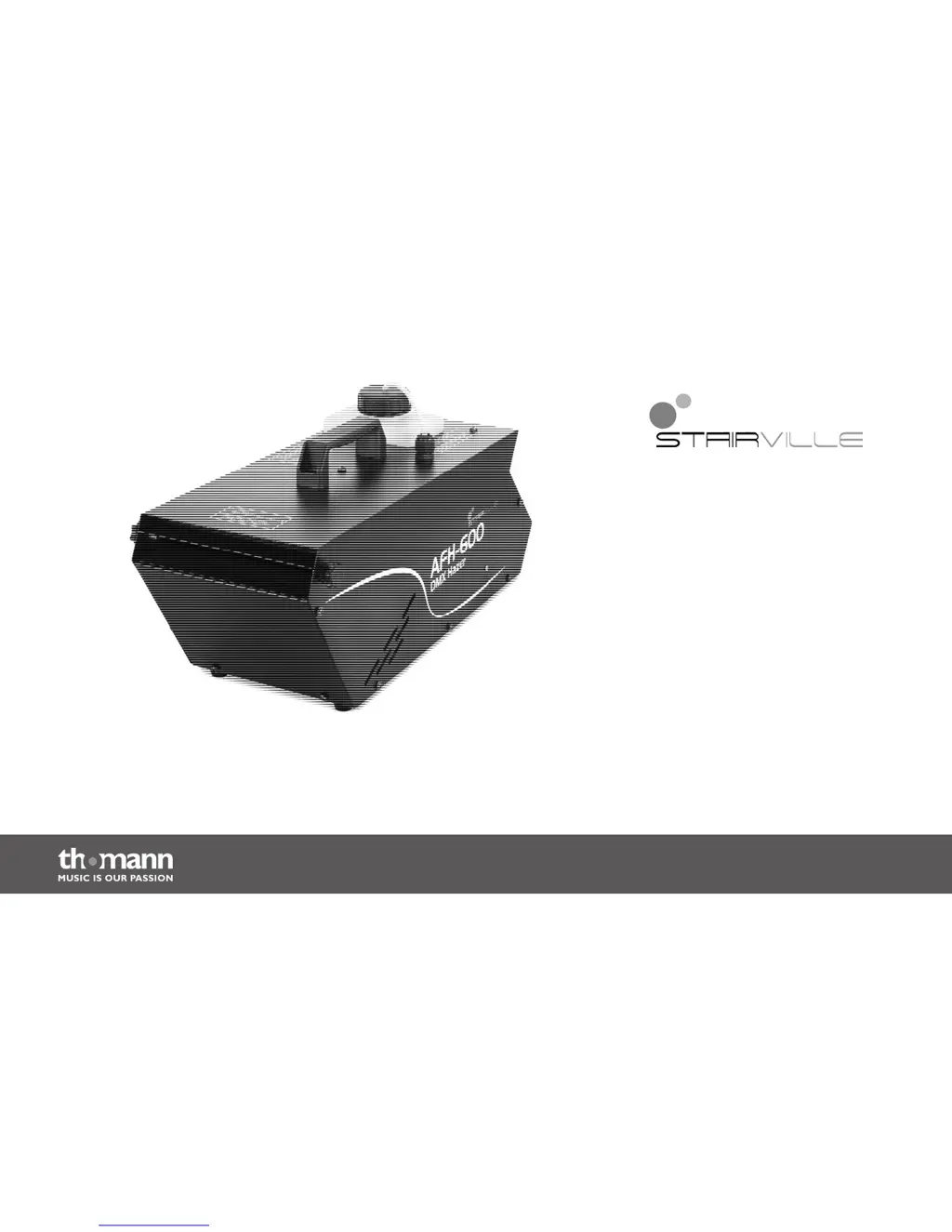
Stairville AFH-600
40 pages
Print Icon
To Next Page IconTo Next Page
Loading...
AFH-600
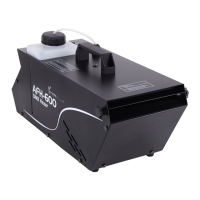
hazer
user manual

Questions and Answers

Summary

General Notes

Symbols and Signal Words

Provides an overview of the symbols and signal words used in this user manual.

Warning Signs and Dangers

Lists warning signs and their corresponding types of danger.

Safety Instructions

Intended Use and User Qualifications

Defines the device's intended purpose and the required user abilities and experience.

Child Safety Precautions

Warns about choking hazards from packaging and small parts, and unsupervised use.

Electrical Shock Hazards

Details risks of electric shock from high voltages inside and short-circuits due to improper cables.

Flammable Liquids and Slipping Risks

Addresses risks of burns from flammable liquids and slippery floors caused by condensation.

Health and Respiratory Safety

Covers health hazards from fog fluid and potential respiratory problems from artificial fog.

Fire and Operating Environment Safety

Provides precautions against fire hazards and specifies safe operating conditions.

Power Supply Safety

Ensures correct input voltage matching and protection by circuit breakers.

Features

Installation

Starting Up

DMX Mode Connections

Explains how to connect devices in DMX mode using daisy-chaining and termination.

Master;Slave Mode Connections

Describes the process of connecting units for Master/Slave operation.

Connections and Operating Elements

Front Panel Components

Identifies and describes the components located on the front panel of the device.

Rear Panel Components

Identifies and describes the components located on the rear panel of the device.

Display and Control Panel Functions

Explains the functions of the display and various control buttons like FUNC and ENTER.

Mains Switch Operation

Describes the function of the ON/OFF mains switch for turning the device on and off.

Operating

Filling the Fog Fluid Container

Provides step-by-step instructions on how to fill the unit with fog fluid.

Turning the Unit On

Details the procedure for connecting and powering on the device, including warm-up indication.

Available Operating Modes

Lists and briefly describes the supported operating modes: Manual, Master/Slave, and DMX.

Main Menu Navigation

Explains how to activate and navigate the main menu to select operating modes and values.

Manual Control Mode

Details how to adjust haze output using manual control, from F001 to F100.

Master;Slave Mode Operation

Explains how to configure the device for Master or Slave operation in a group.

DMX Control Mode

Describes how to set the DMX address for controlling the device via DMX.

DMX Channel Assignment

Explains the DMX channel assignment for controlling the amount of haze output.

Turning the Unit Off

Provides instructions on how to safely turn off the device and prepare for transport.

Technical Specifications

Plug and Connection Assignments

Connection Cable Selection

Provides tips on selecting correct cables and plugs for reliable equipment connections.

DMX XLR Pin Assignment

Details the pin assignment for the 3-pin XLR sockets used for DMX input and output.

Troubleshooting

Cleaning

Cleaning Procedure Steps

Outlines the step-by-step procedure for cleaning the hazer appliance.

Protecting the Environment

Packaging Material Recycling

Provides guidance on the proper disposal and recycling of packaging materials.

Device Disposal Guidance

Explains how to dispose of the old device according to European directives and local regulations.

Stairville AFH-600 Specifications

General IconGeneral
TypeLED Flood Light
Power Consumption600 W
Light sourceLED
IP RatingIP65
DMX connection3-pin XLR
Housing materialAluminum
Voltage100-240 V
Frequency50/60 Hz
Color Temperature6500 K
Lamp TypeLED
ControlDMX512
Power supplyAC 100-240V, 50/60Hz

Related product manuals