1
-
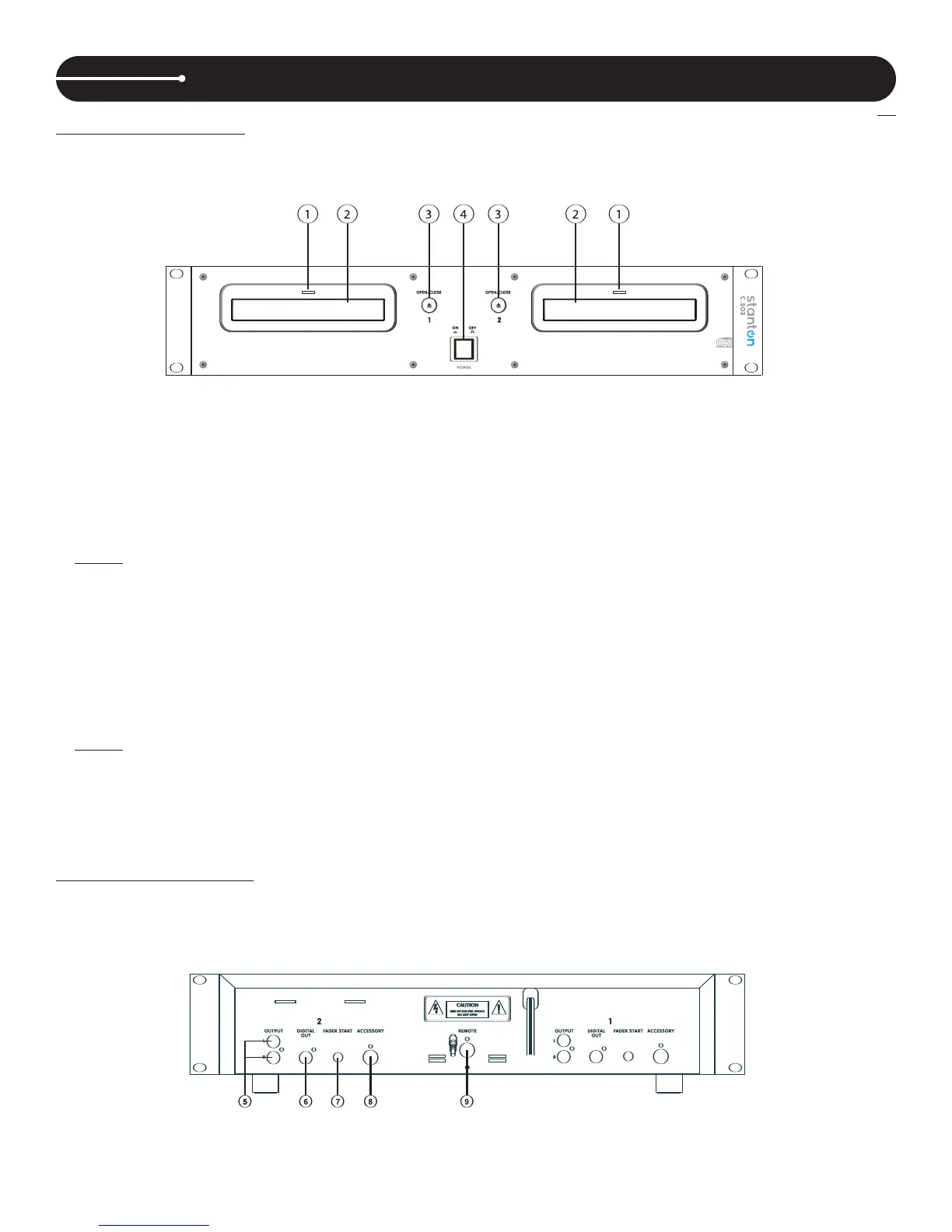
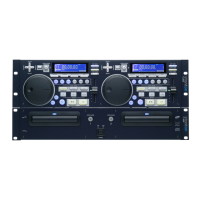
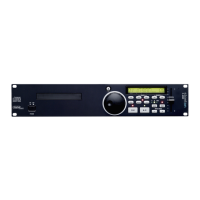
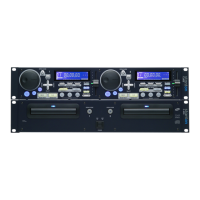
1. Main Unit (Front Panel)
1. Disc Trays
Insert CDs into these trays, label side upwards.
NOTE:
The C.503 reads Audio from CDs & CD-Rs. + Audio Only CD-RWs
2. Tray LEDs
When power is turned on, these two LEDs will light.
3. OPEN/CLOSE Buttons
Open and close the appropriate disc tray. To avoid mistakes direct mode is off by default, therefore the CDs cannot be
ejected when in Play mode.
NOTE:
Direct Mode allows the CD to eject regardless of play / status (see Preset Menu)
4. POWER switch
Turns the power on and off. The tray LEDs light blue when power is supplied.
When the
T
imer Start function is on, playback begins when power is supplied.
1-2. Main Unit (Rear Panel)
FUNCTIONS & CONTROLS


 To Next Page