8
How to set up and use the application
1. Get the application
• To get complete body analysis,
you must use a smart device and download
the “MOVING LIFE” app from “App Store”
or “Goodle Play”.
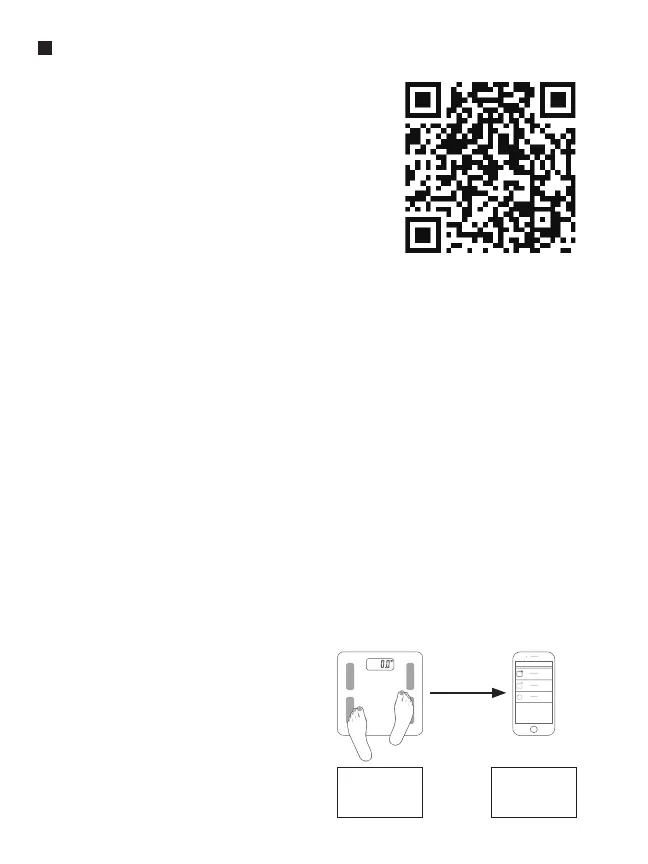
• You can also scan QR code
to obtain the App.
Note: App is constantly updated.
2. Bluetooth setting
• Make sure the Bluetooth function is activated on your device. Otherwise,
go to “Settings” on your smart device and turn on the Bluetooth function.
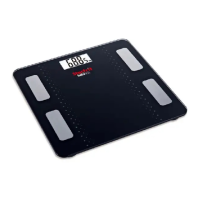
• Tap the scale platform to turn it on.
• You can now use your scale with your device.
* Please note that you do not need to pair your smart device with scale as it
is using the Bluetooth 4.0 technology. It will match automatically within
the Bluetooth signal coverage of 5 -10 meters.
* This scale is Bluetooth 4.0 supported and requires iOS 8.0 and Android 4.3
or later. This scale is compatible with iPhone 4s or later, Samsung Galaxy S3,
HTC One, Huawei Honor 6, Xiaomi 3, Meizu MX3, LG G2 pro, etc.
* Unfortunately, the application is not optimized for tablet.
3. App instructions
• Open “MOVING LIFE” App
and follow instructions.
• First, you must set up your
personal profile.
Step gently
to turn on
the scale.
Connect
the scale
with App.


 To Next Page