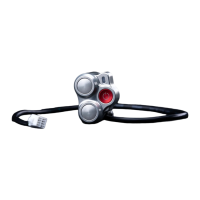
Control switch LED and bike statuses
Guide
5
HOW TO START
THE UPDATE OF THE
BIKE SOFTWARE
While the bike is On and flashing Update
available ◐ ◐ mode:
• Press and hold the + button
followed by the - until the LED
lights up static blue ●.
If successful, the LED will be flashing
multicolors ● ● ● ● ● and the bike will go
into Standby ◐ mode once completed.
HOW TO CHARGE
THE VARG
While the bike is in Standby ◐, Neutral ◐
or Engaged ● modes:
• Connect the charger cable to
the bike’s charging port.
If successful, LED will be static blue ●.
1.6
1.7


 To Next Page