Usage
Turning ON/OFF the device
Hold the key down for 2 seconds to
switch the device ON, do the same to turn
it OFF.
Uso
Accensione e spegnimento del disposi-
tivo
Mantenere premuto il tasto per 2
secondi per accendere il dispositivo, ripe-
tere la stessa operazione per spegnerlo.
Multi-page menu
Apart from the main screen, you can ac-
cess the Multi-page menu where to set up
the operation parameters and to display
the acquired values.
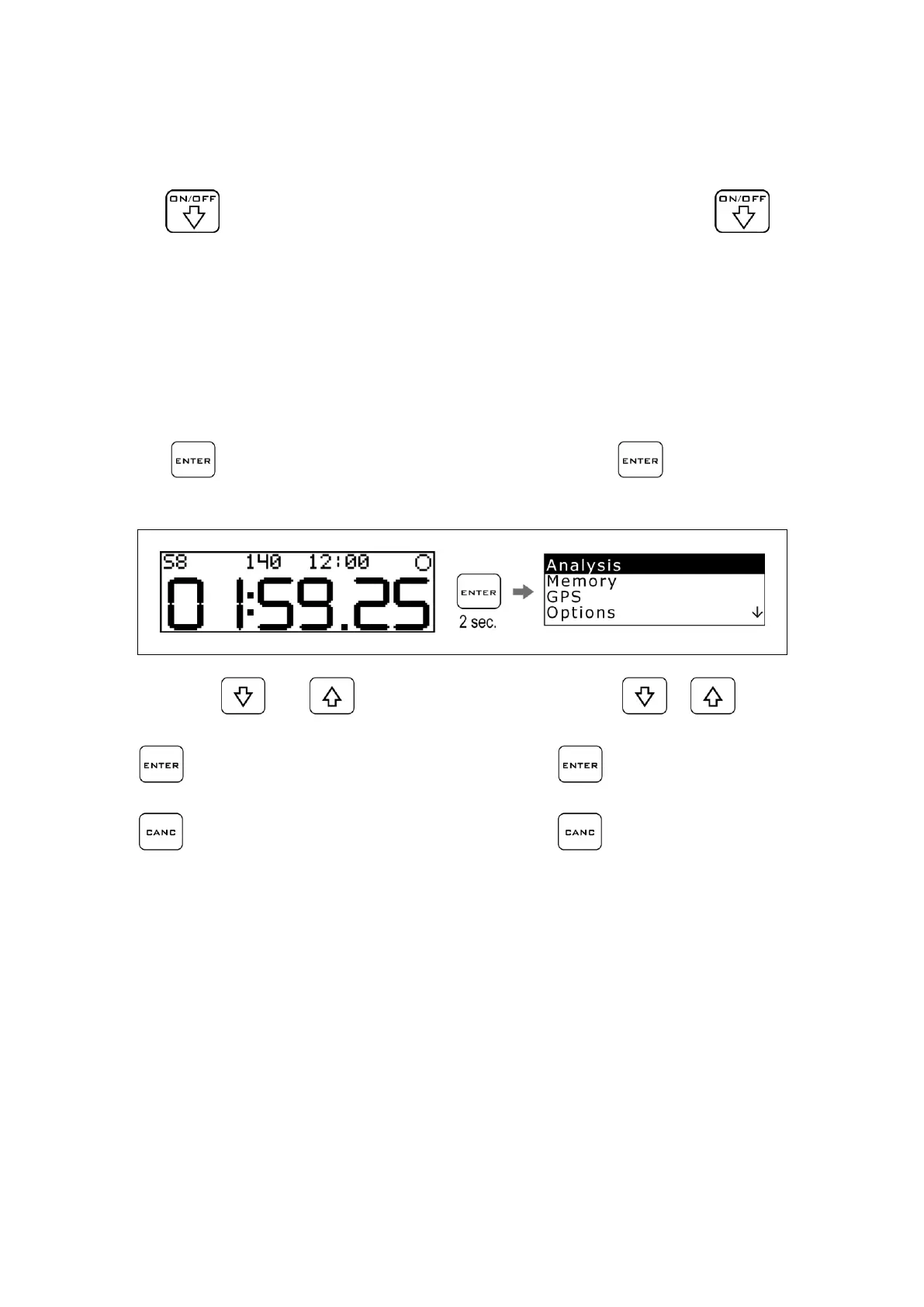
Press the key for 2 seconds to ac-
cess the multi-page menu.
Menu multipagina
Oltre alla schermata principale è possibile
accedere al Menu Multipagina dove ven-
gono impostati i parametri di funziona-
mento e indicati i valori acquisiti.
Premere il tasto per 2 secondi per
accedere al Menu Multipagina.
By pressing the and
keys, you
can scroll the sub-menu items:
Press to enter the selected sub-
menu.
Press to go back to the previous
menus and to the main menu.
Premendo i tasti e è possibile
scorrere le voci dei sottomenu:
Premere per entrare nel sottomenu
selezionato.
Premere per ritornare ai menu pre-
cedenti fino al menu principale



 To Next Page