Mounting the camera upside down
You can mount the camera upside down,but you will need to flip the image. To do this,
you need to access the web user interface of the camera.
1. Ensure you have connected the camera to the screen using the HDMI cable.
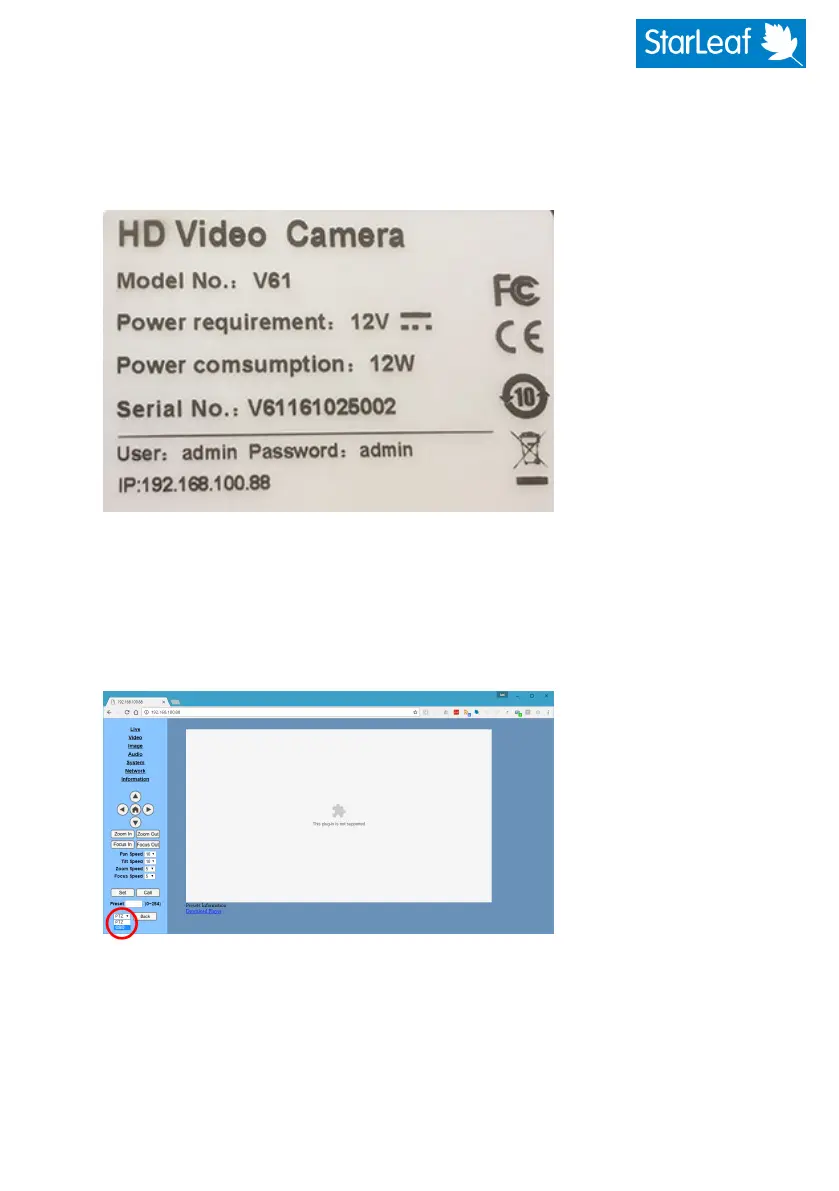
2. Look at the label on the base of the camera. It will be similar to this:
3. Connect an Ethernet cable between your computer and the LAN port on the
camera.
4. Configure your computer's network adaptor settings such that it is in the same
network as that used by the camera (as shown on the label). For example,
192.168.100.80.
5. In a browser, go to the IPaddress of the camera and log in using the details on the
label.You will see the web interface of the camera.
480-00260-02


 To Next Page