31
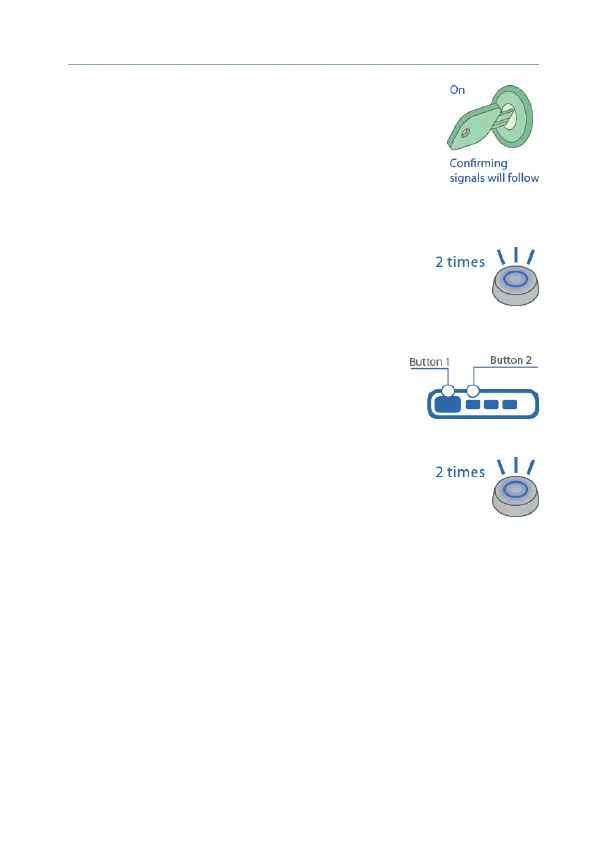
4) Switch on the ignition. 7 light signals on the
service button will follow.
5) Entry in the registration mode will be
conrmed by 2 short LED signals.
Remote key registration
1) Press the remote key buttons 1 and 2 shortly.
2) In 3 seconds, successful registration will be
conrmed by a short sound signal of the remote
key and 2 LED signals. If the remote key was not
registered, 4 sound signals of the remote key
will follow.
3) Perform items 1 and 2 for each remote key.



 To Next Page