36
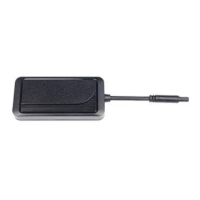
Pairing M66 tracker and E9 alarm system
WARNING! All previously paired devices
(tags, smartphones, R6 relay) will be
erased from M66 memory after it’s pairing
to E9 alarm system.
1) Switch E9 alarm into device registration mode (see
E9 manual)
2) Switch M66 tracker into registration mode.
Send SMS command
REG XXXXREG XXXX, where XXXX -
emergency disarm code from M66 personal ID card.
Wait for the conrmation SMS text message: «Device
successfully registered: external control unit».
3) Registration nish shall be conrmed with 2 ashes
of service button LED and 2 siren sounds, followed with
the signals in amount corresponding to total number
of registered devices. An SMS report with the list of
registered devices shall be submitted to owner phone.
Exit from Registration mode is made at igntion
switch O or automatically in 5 min.
Disabling the “External GSM/GPS module” mode.
To disable the “External GSM/GPS module” mode
and turn the tracker into normal operating mode,
proceed following steps:


 To Next Page