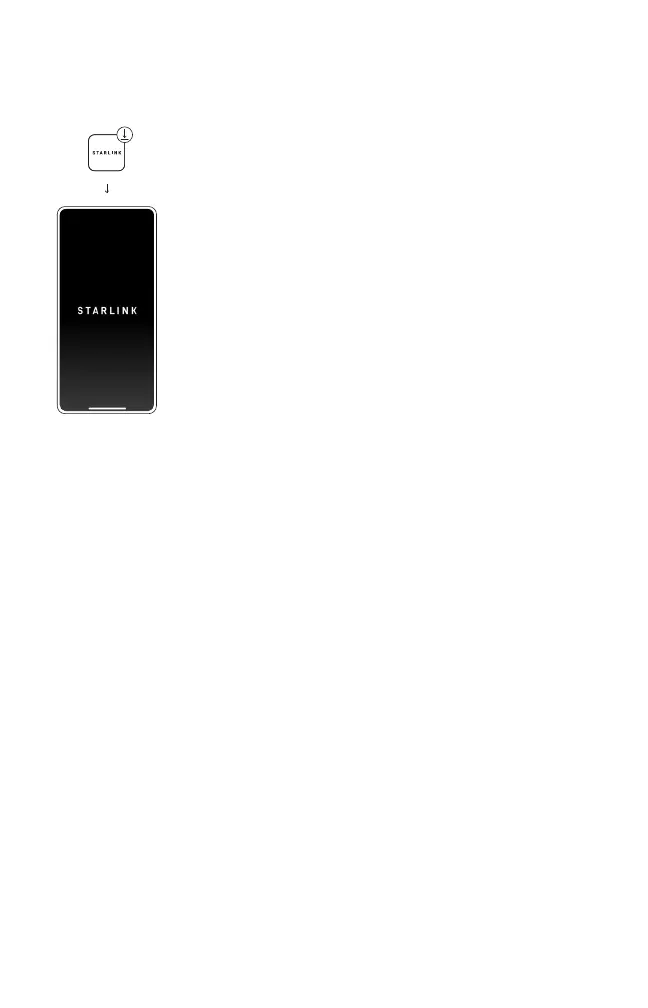
1. Download the Starlink app on your phone.
2. Before installation, use the “Check for
Obstructions” tool in the app to identify the
best location for uninterrupted service.
3. Setup your Starlink.
4. After connecting, conrm your setup location
is obstruction free by reviewing the data
coming from your Starlink.
5. Additional app features: customize settings,
receive updates, trouble shoot issues, and
contact Support.
SETUP


 To Next Page