EasyManua.ls Logo

Start Shaphon SH-2012AH-QG - User Manual

Start Shaphon SH-2012AH-QG
66 pages
Print Icon
To Next Page IconTo Next Page
Loading...
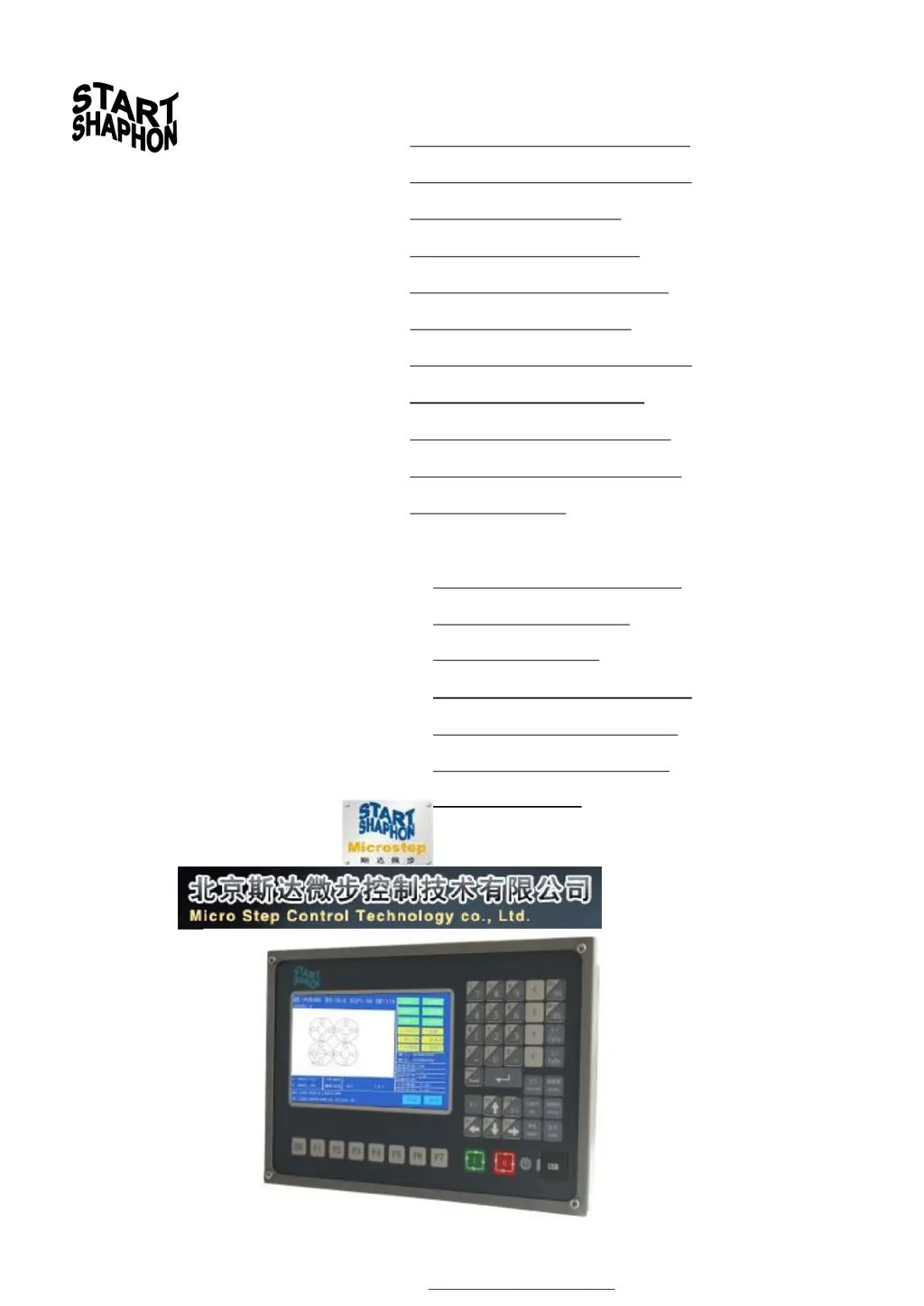
Model SH-2012AH-QG
(V5.0-1.0)
CNC
Cutting Machine
User's Manual
Contents
Functional Overview
Main Menu
AUTO
MAN
EDIT
Command System
SETUP
LIBMINIT
DIAGNOSE
I/O Interface
Appendix
1. Pin definitions of height controller
2. SH-2012AH-QG Software
Upgrading Instructions
3. Installation Dimensional Diagrams
4. Troubleshooting
5. Wiring Instructions of Extended
Manual Control Box
PDF 文件使用 "pdfFactory Pro" 试用版本创建 www.fineprint.com.cn

Table of Contents

Questions and Answers

  • C
    Carlos ChapmanAug 20, 2025
    Why is my Start Shaphon Control System locked up in manual/automatic mode?
    • J
      Jack LeeAug 20, 2025
      If the Start Shaphon Control System locks up in manual or automatic mode, it might be due to incorrect parameter settings. To resolve this, record the electronic gear in the system parameters, then press G, G, and 3 in the system's main window. Save the parameters in the parameter setting mode. Restart the system, input the recorded value of the electronic gear into the corresponding position, save the parameter, and then test the system's performance.
  • C
    Courtney AdamsAug 22, 2025
    What to do if the motor fails to run in Start Shaphon SH-2012AH-QG Control Systems?
    • J
      jjacksonAug 22, 2025
      If your Start Shaphon Control System motor fails to run, begin by checking for loose connections or disconnections and ensure they are secure. If the issue persists, consider changing the driver settings. It's advisable to record the original parameters before making any modifications. If none of these steps work, the broken part should be replaced.
  • S
    Sharon JosephAug 25, 2025
    Why is my Start Shaphon Control System responding slowly?
    • J
      jmoonAug 25, 2025
      If the Start Shaphon Control System exhibits a slow response, check if the output voltage of the power supply is within the allowable range. If it is not, adjust the output voltage or replace the power supply switch. It is also recommended to record the original parameters before making any changes.
  • S
    smithmarkAug 26, 2025
    What to do if Start Shaphon Control Systems has no response to keystroke or wrong key assignments?
    • J
      Jerry SandersAug 27, 2025
      If the Start Shaphon Control System is not responding to keystrokes or the key assignments are wrong, check if the keyboard is loosely connected or disconnected. Secure the connection to resolve this issue.
  • S
    Steven HollandAug 28, 2025
    How to fix travel limit alarm at power-on for Start Shaphon SH-2012AH-QG Control Systems?
    • V
      Valerie SimmonsAug 28, 2025
      If the Start Shaphon Control System gives a travel limit alarm at power-on, check if the limit switches are functional and if there are any loose connections or disconnections. If so, secure the connections.
  • J
    Justin WilliamsAug 29, 2025
    Why is USB transmission failing on my Start Shaphon Control System?
    • P
      prestonrachaelAug 30, 2025
      If the Start Shaphon Control System experiences a USB transmission failure, the USB disk might not be compatible with the system. Try using a USB disk from another model or brand. If that doesn't work, the USB disk might be incorrectly formatted; reformat it to FAT format. Also, ensure the connection is secure and free from foreign material.
  • J
    jenniferwigginsSep 1, 2025
    What to do if Start Shaphon Control Systems suddenly breaks down in normal operation?
    • W
      williamssamanthaSep 1, 2025
      If the Start Shaphon Control System experiences a sudden breakdown during normal operation, it could be due to a fault in the machining program or the CNC software. Dispatch the software back to the manufacturer for professional troubleshooting.
  • T
    Thomas DixonSep 3, 2025
    What to do if cutting torch stops abnormally on Start Shaphon SH-2012AH-QG?
    • B
      brewermatthewSep 3, 2025
      If the Start Shaphon Control System still runs, but the cutting torch stops abnormally along all axes or one axis, it could be because the travel motor is locked or has failed. Check if the machine is frozen and level enough.
  • J
    Jonathan FaulknerSep 5, 2025
    What to do if cutting torch does not move along one axis on Start Shaphon Control Systems?
    • M
      Michael SmithSep 5, 2025
      If the Start Shaphon Control System still runs but the cutting torch does not move along one axis anymore and gives no response to any keystroke, especially to the pause key, it indicates that the machine operation is interrupted. Remove any interference and ensure the grounding wire of the plasma power supply is connected to the machine. Check if the motor (previous model) has an isolation board. If it is in flame mode, check if the solenoid valve for cutting oxygen is causing arc extinction.
  • A
    Amanda MckinneySep 6, 2025
    Why is there no input/output on my Start Shaphon Control System?
    • R
      Reginald HernandezSep 7, 2025
      If there is no input or output on the Start Shaphon Control System, first ensure that all connections are secure. Then, check the voltage of the 25-pin port between Pin 24 and Pin 25 and inspect the switching power supply.

Summary

Functional Overview of CNC Cutting Machine

System Functions

Details the primary functions and capabilities of the CNC cutting system, including its application areas.

Technical Specifications

Outlines the hardware and software specifications of the CNC cutting machine, such as processor, display, and I/O.

Automatic Function (AUTO) Operation

Automatic Mode Window Description

Details the interface and information displayed in the automatic mode window for CNC cutting operations.

SPEED Adjustment

Explains how to adjust the machining speed using multiplying factors in automatic mode.

Function Selection in AUTO Mode

Details how to select functions like SECTION, MAN, RESBREK, and VIEW within AUTO mode.

Startup of Speed Mode and Automatic Mode

Guides on starting speed mode, manual speed, and automatic machining operations.

Control and Adjustment of Cutting Position

Explains how to control and adjust the cutting torch position in automatic mode.

Original Path Return Procedure

Details the steps for returning the cutting torch along the original path after failure.

Breakpoint Restoration Process

Explains the procedure for restoring the system to a saved breakpoint.

SECTION (Section Selection)

Details how to start machining from a specific section or piercing point.

Manual Mode (MAN) Operation

EDIT Mode Operations

Command System and Programming

G: Basic Preparatory Commands

Details G-code commands for reference point setting and coordinate modes.

M Auxiliary Commands

Explains M-codes for program suspension, end, and control of auxiliary functions.

SETUP: Parameter Setting

Parameter Description

Provides a general overview of parameter categories like speed, system, and cutting parameters.

SETUP (Parameter Setting) Menu

Guides on accessing and navigating the parameter setting submenus.

Speed Parameters Configuration

Details settings for starting speed, adjustment time, and maximum speed limits.

System Parameters Configuration

Explains settings for gear ratio, origins, backlash, and limit switches.

Flame Cutting Parameters

Details specific parameters for flame cutting operations, including delays and timing.

Plasma Parameters Setting

Outlines parameters for plasma cutting, including arc ignition and piercing delays.

Control Parameters Setting

Covers settings for mode selection, speed limits, and hole options.

Height Controller Parameters

Details parameters for adjusting height controller sensitivity, speed, and position.

System Diagnose and Port Checks

Connections of Input;Output Ports

Definitions of Input;Output Ports

Lists and describes the signals and pin assignments for input/output ports.

Typical Wiring for Flame Cutting Operation (DB15)

Illustrates typical wiring connections for flame cutting operations.

Typical Wiring for Plasma Arc Cutting Operation

Illustrates typical wiring connections for plasma arc cutting operations.

Instructions for Software Upgrading

Start Shaphon SH-2012AH-QG Specifications

General IconGeneral
BrandStart Shaphon
ModelSH-2012AH-QG
CategoryControl Systems
LanguageEnglish