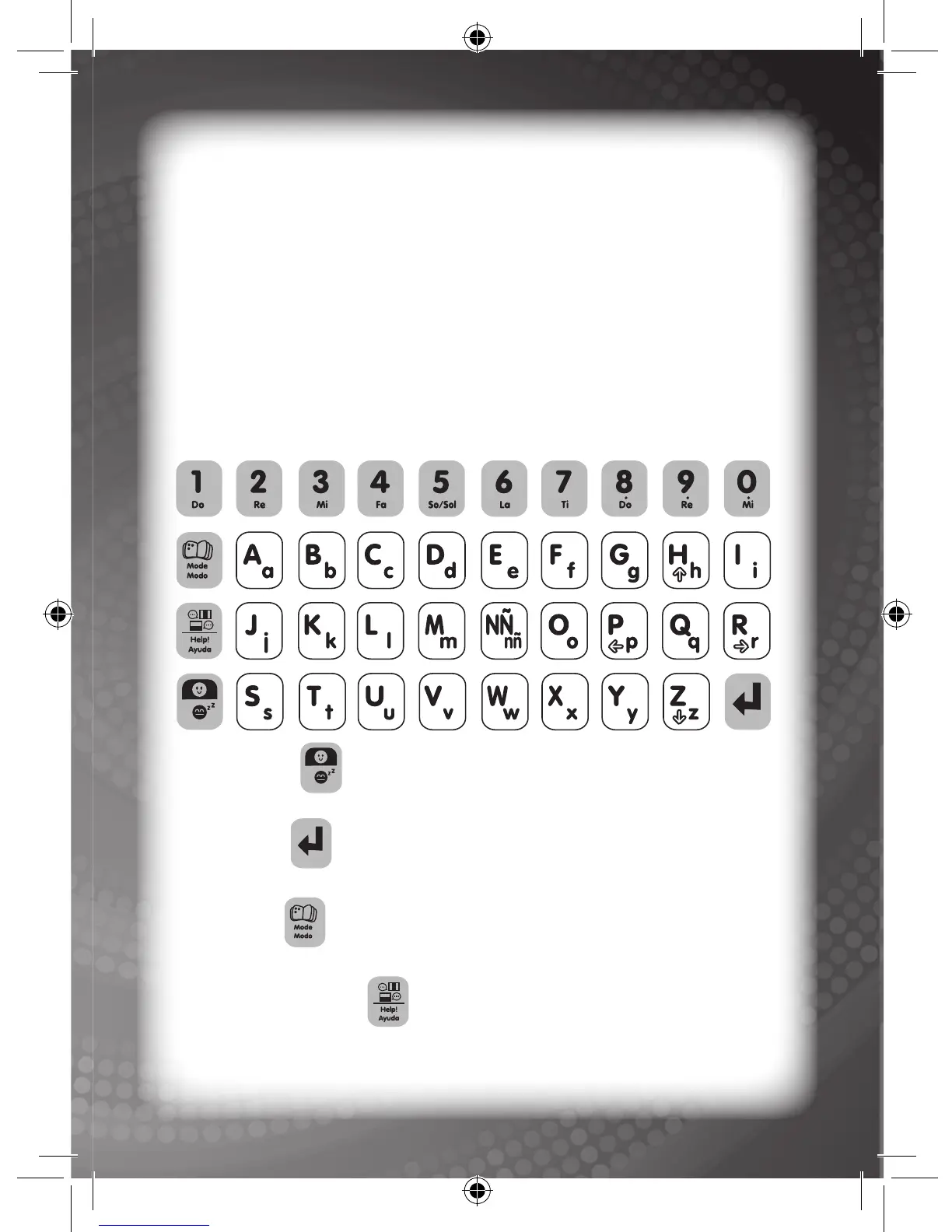
Keyboard Layout
4
ON/OFF key:
This is used to turn the Bilingual Magic Notebook™ ON or OFF.
ENTER key:
This is used to conrm a selection.
MODE key:
This is used to select an activity.
Language/Help key:
This is used to select any 1 of 2 languages or to show the correct
answer on-screen while the user is playing a game.
Press the MODE key at any time to jump to the activity selection
window to choose a different activity.
Language Selection
Press the Language/Help key on the keyboard to select any 1 of 2
languages.



 To Next Page