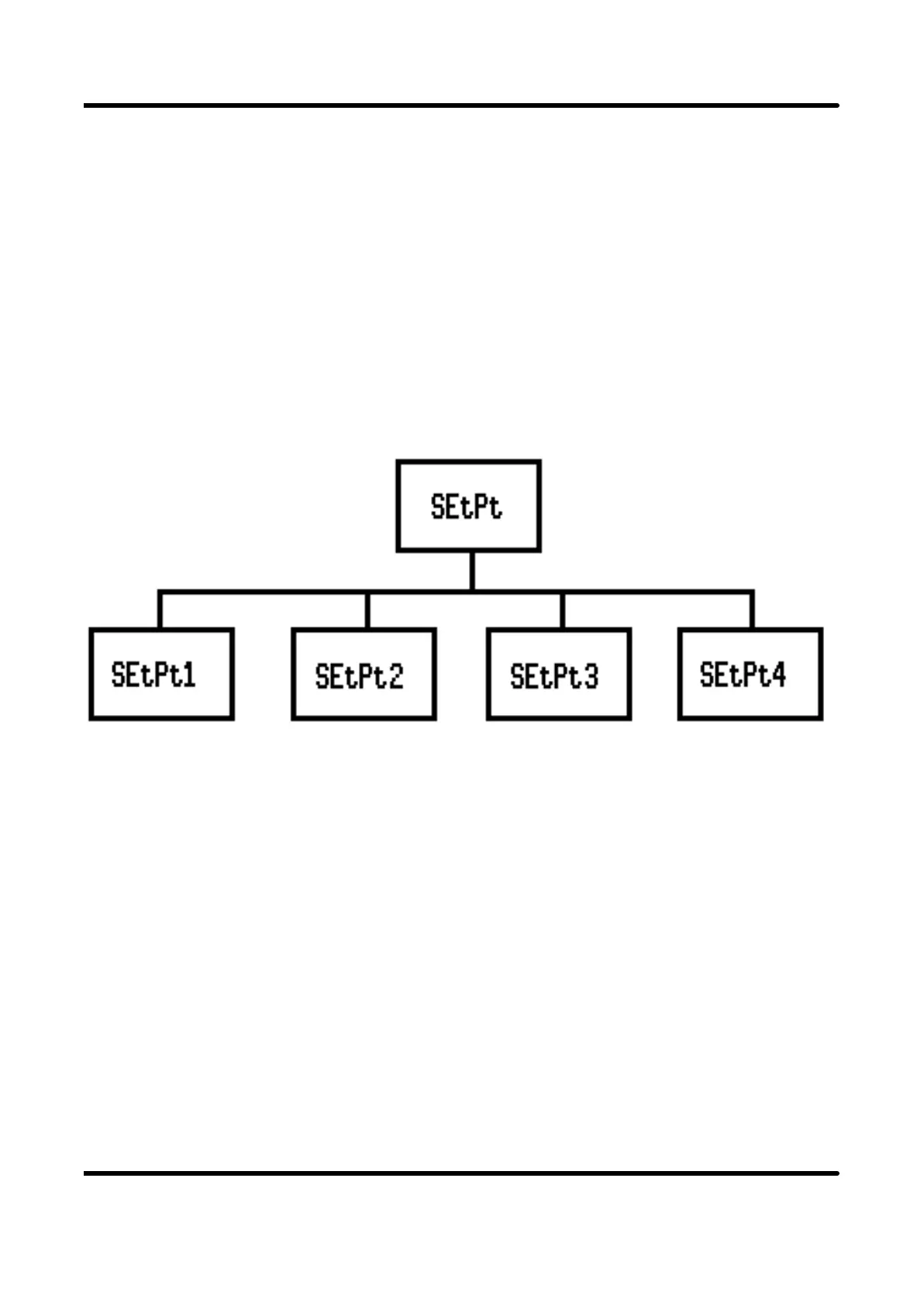
4.2.1 The SEtP (SETPOINTS) submenu
This submenu is provided as a quick means of modifying setpoints. Only the setpoint
values are available to be changed. The availability of the setpoints depends upon the
output options fitted. The logic directing this is discussed in detail in section 4.2.3,
under the Output submenu section. With this in mind, it should be taken that any or all
of the setpoints ( 1 to 4) could be unavailable and therefore removed from the
submenu. If all setpoints are unavailable then the entire submenu is occulted. The
submenu is represented as follows:-
In each case, the editable value is the setpoint in engineering units. The number of
decimal places for this field is defined by rES in the Inputs menum see 4.2.2.5.
The default value for all setpoints is zero.
SETPOINT MENU
Page 35



 To Next Page