Charge
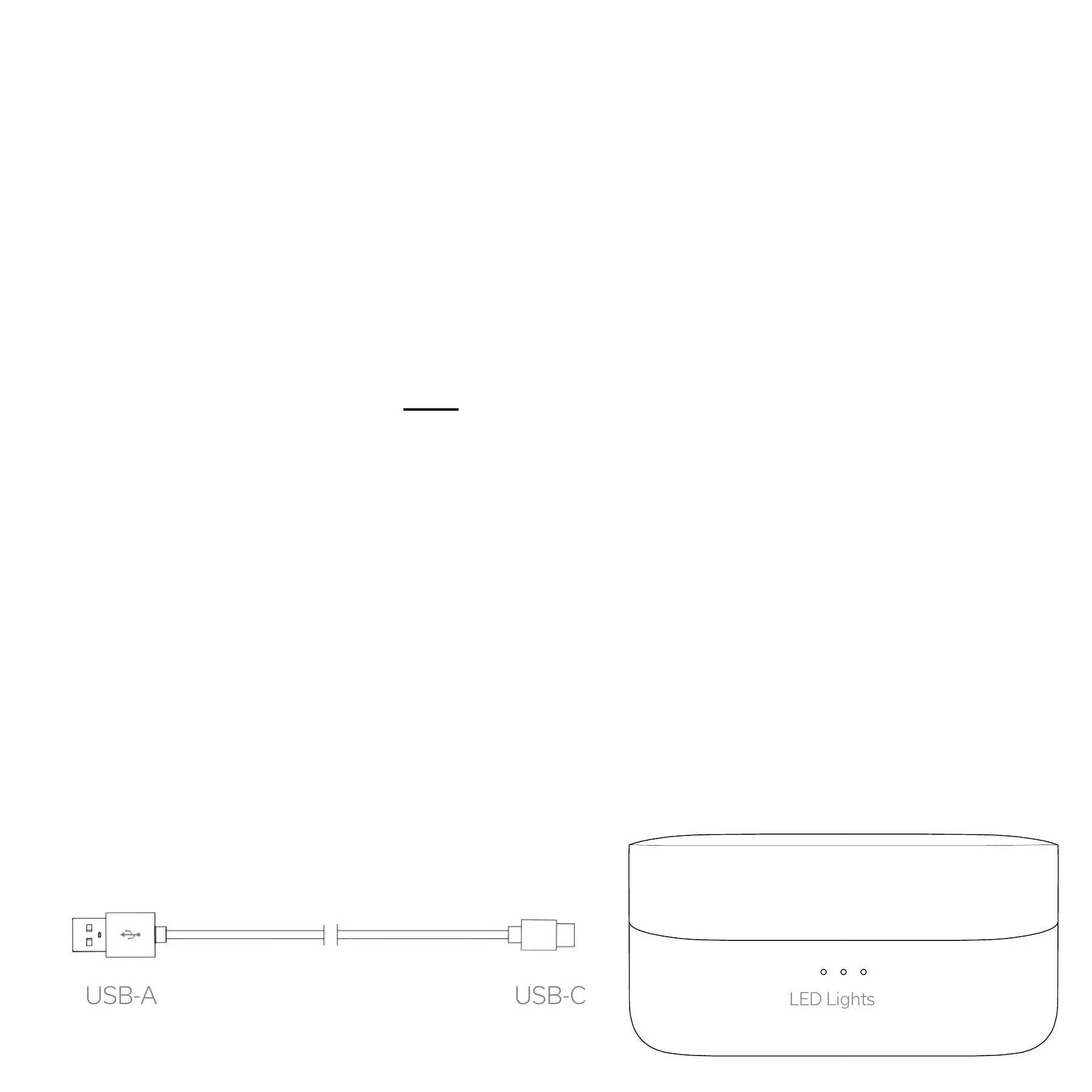
Plug the USB-C cable into the back of the charging case.
Then plug the USB-A side into a power source.
See those LED lights flashing? You are now charging.
Charging with the included USB-C cable:
The Between 3ANC arrive with some juice, but we highly
recommend you charge to 100% before initial use.
First things first: Place the earbuds inside the case.
The Between 3ANC support wireless charging. Simply
place the charging case on a wireless charging pad in their
normal "standing" position, and charging will begin.
If charging does not begin, make sure the case is centered
on the charging pad.
Wireless Charging


 To Next Page